Hostinger alternatives: Is there a better fit for your site?
-
- Why people look for a Hostinger alternative
- How we picked these Hostinger alternatives
- The best Hostinger alternatives
- When Hostinger is still the better choice
- How to choose the right Hostinger alternative
- How to move your site from Hostinger without downtime
- Frequently asked questions about Hostinger alternatives
Looking past Hostinger because support stalled in chat, an account issue went nowhere, or your site outgrew its plan? These seven Hostinger alternatives cover WordPress, cloud, VPS, and agency needs. SiteGround leads the list for 24/7 human support and managed WordPress tools.
Key takeaways:
- Every Hostinger support chat, in the dashboard or on WhatsApp, starts with its AI agent, and a person joins only when you ask for one. There’s no phone line.
- SiteGround’s support reps work 24/7 and resolve 90%+ of inquiries at first contact, with daily backups and unlimited email accounts on all plans.
- Of the WordPress sites moved from Hostinger to SiteGround with the Migrator plugin in the first half of 2025, 78% loaded faster.
- Cloudways, InMotion Hosting, and SiteGround Cloud cover server-level needs, with managed cloud servers and managed VPS plans.
- Kinsta and WP Engine suit premium managed WordPress and development workflows. Neither hosts email.
- DNS changes can take up to 24–48 hours to reach all networks. Set up your domain and email at the new host first, and cancel Hostinger last.
Why people look for a Hostinger alternative
The right alternative depends on what your current setup doesn’t cover. These three situations are where looking elsewhere tends to pay off.
You want to reach a person by phone
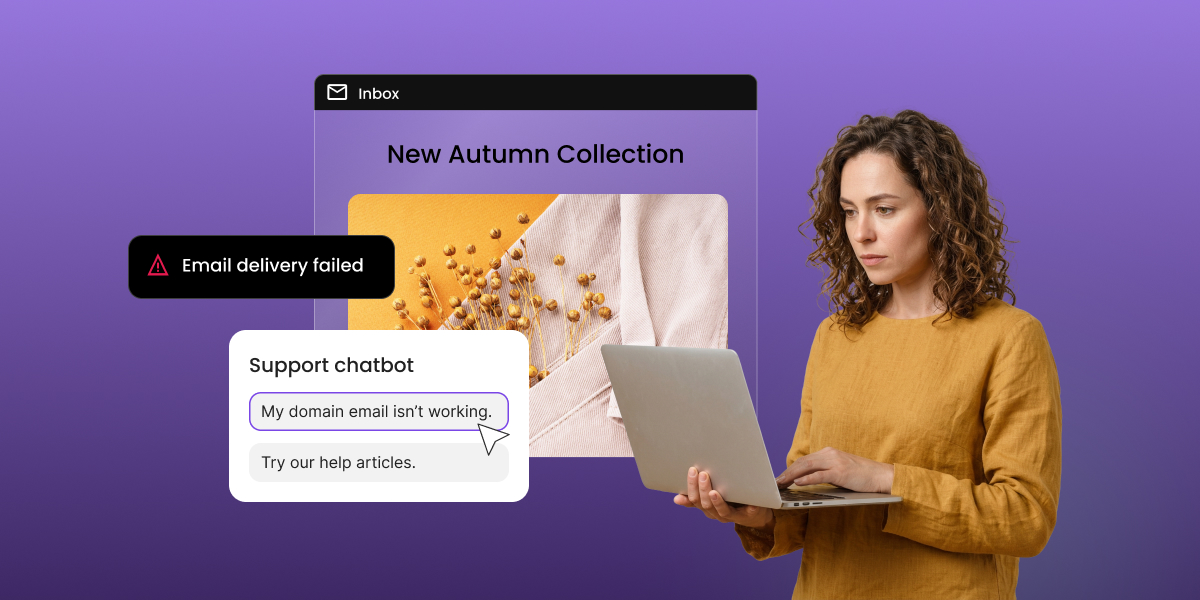
On Hostinger, every chat starts with its AI assistant. If you want a person, you ask for one, and a Customer Success Specialist joins the chat. You can also reach support through WhatsApp or email, but there’s no phone line.
That matters most when something breaks. If your site goes down and you want to talk it through with someone right away, typing to an AI assistant first can feel slow. At SiteGround, you can reach support by chat, phone, or ticket, and the team works 24/7.
Your site needs more than the entry plan includes
The entry plan covers a new site well. The limits show up as the site grows. Hostinger’s first plan backs up weekly, with daily backups on higher tiers. Its CDN isn’t included on that plan, and email is limited to 2 mailboxes, free for the first year.
None of these is a dealbreaker on a small site. They start to matter once you add a store, a team inbox, or visitors from other regions.
You need VPS power without running the server
Hostinger’s VPS plans are self-managed only. You get root access, and you handle software, security measures, and server settings yourself. Hostinger’s support covers the hardware, the network, and its dashboard.
If you want dedicated resources without becoming a part-time sysadmin, a managed cloud host such as SiteGround Cloud or a managed VPS is the better match.
How we picked these Hostinger alternatives
Every option was judged on the situations above, not on headline prices. These are the same factors worth weighing whenever you’re choosing a web hosting partner:
- Support access: which channels you get, and how fast you reach a person.
- WordPress tooling: staging, backups, and caching included by default.
- Scaling path: where your site goes when shared hosting runs out of room.
- Migration friction: how much work it takes to actually switch.
- Platform breadth: what else lives in the same account as your hosting.
| Provider | Best for | Support channels | Phone support | Free migration | Email hosting |
| SiteGround | Managed WordPress with phone support | 24/7 phone, chat, ticket | ✓ All plans | Migrator plugin (unlimited); expert transfer free for a limited time | Unlimited accounts |
| Kinsta | Premium managed WordPress | 24/7 chat, tickets | X | Handled by Kinsta’s team | Not offered |
| Cloudways | Managed cloud servers | 24/7 chat, tickets | Premium support add-on only | Migrator plugin (unlimited) plus first migration free | Paid add-on |
| WP Engine | Agencies and dev workflows | 24/7 chat; phone on higher plans | Professional plan and up | Auto migration plugin | Not offered |
| DreamHost | WordPress beginners | 24/7 chat, tickets | Callbacks, no direct line | Automated migration plugin | Paid on Shared Starter; included on Unlimited and DreamPress |
| InMotion Hosting | cPanel users with a VPS path | 24/7 chat; phone on higher tiers | Higher shared tiers | Handled by InMotion’s team | Free cPanel email |
| Namecheap | Domains and hosting in one account | 24/7 chat, tickets | X | Free for cPanel hosts; non-cPanel moves are manual, with guidance | cPanel email on shared; none on EasyWP |
The best Hostinger alternatives
Seven options, each matched to the reason you’re leaving. Start with the problem you’re trying to solve, then read the one or two picks that fix it.
SiteGround: The managed WordPress pick with hands-on support
Best for: small businesses, WordPress sites, and agencies that want a person on the line when something breaks, plus room to grow on one platform.
Strengths:
- 24/7 human support: when you need a person, you reach one, fast. SiteGround’s reps work 24/7 and resolve 90%+ of inquiries at first contact, on chat, phone, and ticket.
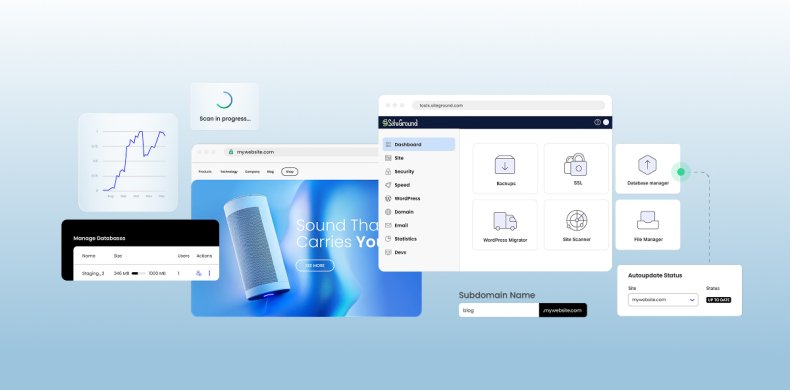
- Site Tools: SiteGround’s own control panel, with 35+ tools in one place. You manage backups, staging, caching and CDN, email, and DNS from a single dashboard, and each website gets its own Site Tools. If you’re coming from hPanel, it fills the same role.
- Daily backups: included on all plans, with a 30-day history and one-click restore.
- Unlimited email accounts: no mailbox cap, so a growing team doesn’t hit a ceiling.
- Speed on every plan: Google Cloud infrastructure, caching on three levels, and a free CDN with over 170 edge points.
- Room to scale: shared plans are sized for about 10,000 (StartUp), 100,000 (GrowBig), and 400,000 (GoGeek) monthly visits. Past that, SiteGround Cloud is fully managed, with the same feature set on every Cloud plan and automatic CPU and RAM scaling from the entry Jump Start plan. You get VPS-level resources without managing the server yourself.
- Security by default: a smart WAF (Web Application Firewall), an AI anti-bot system, and DDoS protection. Every plan also includes Site Scanner, which checks your site daily for malware, malicious links, and domain blacklisting. Site Scanner Premium, a paid upgrade, adds daily file scans, quarantine for new uploads, and one-click cleanup.
- One platform as you grow: the Website Builder is free with all hosting plans, and the AI agent for WordPress is free in WordPress hosting plans. Ecommerce (the Sell plan) and Coderick AI are separate purchases, and Email Marketing is an add-on.
Migration from Hostinger: the SiteGround Migrator plugin is free for as many WordPress sites as you need to move. A manual transfer by SiteGround’s experts is free for a limited time on all plans. Of the WordPress sites moved from Hostinger between January and June 2025, 78% were faster on SiteGround, with an average speed increase of 95%. You can see how the two hosts compare feature by feature.
Trade-off: staging is available on GrowBig and GoGeek, not on the entry plan, while Cloudways includes free staging environments. One-click malware cleanup (Site Scanner Premium), ecommerce, and Coderick AI cost extra.
Kinsta: The premium managed WordPress pick
Kinsta’s managed WordPress hosting builds performance monitoring, staging, and daily backups into its own MyKinsta dashboard.
Best for: WordPress sites ready for premium managed hosting.
Strengths:
- Senior support from the start: 24/7 chat with no level 1 or level 2 tiers, so every client talks to the same team that supports its enterprise customers.
- Wide data center choice: a worldwide CDN and edge caching, with sites hosted in your choice of 30 data centers.
- Daily backups and free staging: daily backups stored for 14 days, plus free one-click staging environments on every plan.
- Built-in performance monitoring: its APM tool is included on all WordPress plans and tracks PHP processes, database queries, and external HTTP calls.
Migration from Hostinger: unlimited free migrations of standard WordPress installations from any host.
Trade-off: no phone support and no email hosting, so you’d need a separate provider such as Google Workspace or Zoho Mail.
Cloudways: The managed cloud server pick
Cloudways runs your site on a cloud server from a provider you choose, and handles the server management for you.
Best for: growing sites that need VPS-level resources with server management handled.
Strengths:
- Choice of infrastructure: you can choose between DigitalOcean, Vultr, Linode, AWS, or Google Cloud, with vertical scaling to add resources.
- Free staging: one-click staging environments for testing changes before they go live.
- Caching included: free Object Cache Pro on most servers (not DigitalOcean Basic), plus Redis cache.
- Server-level security and monitoring: a server-level firewall plus monitoring across 15+ server and app metrics.
Migration from Hostinger: a free WordPress Migrator plugin for unlimited WordPress sites, plus your first migration handled free by Cloudways’ engineers.
Trade-off: standard support is live chat and tickets, and phone access requires the paid Premium Support add-on. Email inboxes come through a paid Rackspace add-on.
WP Engine: The pick for development workflows
WP Engine gives every site separate development, staging, and production environments, which suits teams that test changes before they go live.
Best for: agencies and teams that test changes before they go live.
Strengths:
- Three environments per site: development, staging, and production for every site.
- Developer tooling: local development tools, Git connections, SFTP, and WP-CLI.
- Backups and security on every standard plan: daily and on-demand backups, SSL, SSH access.
- Built-in speed tools: EverCache caching and a network CDN on every plan.
Migration from Hostinger: Free on every plan, using WP Engine’s automated migration plugin to copy the site so you can check it before going live.
Trade-off: WP Engine doesn’t provide email servers and recommends third-party email hosting. The Startup plan includes chat support only, with phone support from the Professional plan up.
DreamHost: The beginner-friendly WordPress pick
DreamHost covers the basics on every plan, with daily backups and a WordPress.org recommendation behind it.
Best for: WordPress beginners who want backups handled by default.
Strengths:
- WordPress.org recommendation: one of the few hosts WordPress.org officially recommends, selling hosting since 1997.
- Daily backups on every plan: included at the entry price, with on-demand backups and one-click restore.
- One-click staging on DreamPress: test new plugins, themes, and code before pushing changes live.
- Caching without a plugin on DreamPress: built-in caching on its managed WordPress plans, so you don’t need to add a caching plugin.
Migration from Hostinger: free for WordPress sites, using DreamHost’s automated migration plugin. Non-WordPress sites move manually or through a paid migration service.
Trade-off: no direct phone line, only paid callbacks. Email isn’t included on Shared Starter, while Shared Unlimited and DreamPress include it.
InMotion Hosting: The cPanel pick with a VPS path
InMotion Hosting offers cPanel on both shared and VPS plans, so the panel stays familiar as your site grows.
Best for: cPanel users who want a path to VPS.
Strengths:
- cPanel plus email: shared plans include cPanel and free cPanel email accounts.
- SSL included, domain on higher tiers: free SSL on shared plans, plus a free domain on the Launch, Power, and Pro plans.
- Managed VPS options: managed VPS plans include Launch Assist and 24/7 expert support, on infrastructure InMotion owns.
- Reseller option for agencies: white-label cPanel/WHM reseller hosting.
Migration from Hostinger: free on shared and VPS plans, handled by InMotion’s team. On shared hosting, the free move works from one cPanel or WordPress backup. Hostinger uses its own hPanel, so you’d send a WordPress backup.
Trade-off: the entry shared plan includes live chat support, with phone support on higher tiers.
Namecheap: The domain-first pick
Namecheap pairs a large domain business with hosting, so your domains and sites sit in one account.
Best for: site owners who want domains and hosting managed in one account.
Strengths:
- Domain-first account: a major domain business combined with shared, WordPress, VPS, and dedicated hosting.
- Two WordPress routes: WordPress on cPanel shared hosting, or EasyWP, a separate managed WordPress platform.
- Extras on shared plans: a free domain for the first year, a free one-year SSL certificate for each hosted domain (up to 50 per account), and the Supersonic CDN at no cost.
- Server locations on three continents: the USA, the UK, the Netherlands, and Singapore, depending on the hosting type.
Migration from Hostinger: free for sites coming from cPanel hosts. Hostinger uses its own hPanel, so a full account transfer isn’t possible, but Namecheap’s team provides instructions for moving the data manually.
Trade-off: no phone support, and free SSL only for the first year on shared plans.
When Hostinger is still the better choice
Hostinger’s strongest card is its entry price. If you’re launching a side project, a portfolio, or a test site, that can decide it.
It also includes a lot at the low end. Ecommerce is included from the entry plan, and its Horizons AI builder generates a working site from a prompt.
Hostinger may still be your better fit if:
- Your site is small and stable: low traffic, a few plugins, no busy store.
- Chat support works for you: you rarely need help, and writing it out is fine.
- You need more resources, not a new host: Hostinger’s Cloud plans are managed, so you can grow without a VPS.
If that’s you, switching adds work without solving a problem. A website builder and a simple plan go a long way on a small site.
How to choose the right Hostinger alternative
Each option above solves a different situation. These four questions narrow the list fast:
- Do you need phone support? SiteGround includes it on every plan. WP Engine offers it from the Professional plan, and InMotion Hosting on higher shared tiers. Cloudways charges for it through a support add-on.
- Where should your email live? Kinsta and WP Engine don’t host email. Cloudways charges for it, and DreamHost includes it only above Shared Starter. SiteGround and InMotion include it.
- How much server management do you want? If you like full control of your panel, our guide to cPanel alternatives compares the options. If you’d rather not touch a server, choose managed WordPress or managed cloud.
- Will you need more than hosting? If a website builder, ecommerce, email marketing, or AI tools are on your list, keeping them in one account saves you from stitching providers together later.
How to move your site from Hostinger without downtime
A website migration breaks down into four parts: domain, email, files, and DNS. Do them in this order and your site stays live throughout.
- Decide where your domain and email will live. You can keep the domain registered at Hostinger and only point it elsewhere. Mailboxes hosted on your Hostinger plan need a new home before you cancel.
- Set up email at the new host first. Create the same mailboxes and confirm they work. On SiteGround, the Email Migrator tool in Site Tools can copy existing mail over.
- Back up your site. Download a full backup from hPanel as your safety net.
- Copy your files and database. On SiteGround, generate a migration token in Site Tools > WordPress > Migrator. Paste it into the free SiteGround Migrator plugin on your Hostinger site.
- Test on a temporary URL. SiteGround creates a temporary URL for each transferred site, usable for 48 hours. Check pages, forms, logins, and checkout.
- Point your domain at the new host. Update the nameservers in hPanel. DNS changes can take up to 24–48 hours to reach all networks.
- Cancel Hostinger last. Wait until traffic and email are arriving at the new host.
Leaving Hostinger? Here’s your next move
The right Hostinger alternative depends on what your current setup doesn’t cover. Kinsta and WP Engine fit premium WordPress workflows, Cloudways, InMotion Hosting, and SiteGround Cloud cover server-level needs, and Namecheap keeps domains front and center. Whichever you pick, sorting out your domain and email first makes the move far smoother.
SiteGround web hosting fits switchers who want a real person when something breaks. The team works 24/7 across chat, phone, and ticket. Daily backups, unlimited email accounts, and a free CDN come on every plan. When you’re ready, ecommerce, email marketing, and AI tools are available on the same account.
Get fast, reliable web hosting
Don't let slow hosting hold back your business growth. Join thousands of entrepreneurs who've chosen SiteGround to power their success: from startup to scale-up, we grow with you. 
Frequently asked questions about Hostinger alternatives
Yes. Leave the registration where it is, and point the domain to your new host by updating its nameservers or A record in hPanel. To transfer the domain as well, unlock it and request the EPP (authorization) code. ICANN’s transfer rules let registrars block transfers for 60 days after a registration or a previous transfer.
Create the same mailboxes at your new host before you change anything in DNS. About 24 hours before the switch, lower the TTL on your MX records to 300 seconds so the change spreads faster. Afterward, copy old messages over IMAP. Keep the Hostinger mailboxes active for a few days to catch delayed mail.
Partly. The builder can export regular pages, text, images, and other files to WordPress. Styles and layout, the online store, integrations, forms, collected submissions, and SEO settings don’t transfer. Plan to rebuild the design and re-enter SEO settings on the new site.
Not if your domain and URLs stay the same. A host change only swaps the server behind the domain, so no redirects are needed. After the DNS switch, run a few key pages through URL Inspection in Google Search Console. Then watch for crawl errors during the first week.
Review it once the site is live on the new host. Hostinger’s web hosting runs on LiteSpeed technology. The plugin’s caching features need a LiteSpeed server or LiteSpeed’s QUIC.cloud CDN. On SiteGround, server-level dynamic caching is on by default. Deactivate the plugin so two caching layers don’t overlap.
Your site files and database will, but server-level changes won’t. Before migrating, list everything you configured on the Hostinger VPS: cron jobs, PHP extensions, memory limits, web server rules, and firewall settings. Then check which ones the managed host handles and which need a support request.






Comments ( 0 )
Thanks! Your comment will be held for moderation and will be shortly published, if it is related to this blog article. Comments for support inquiries or issues will not be published, if you have such please report it through our official channels of communication.
Leave a comment
Thanks! Your comment will be held for moderation and will be shortly published, if it is related to this blog article. Comments for support inquiries or issues will not be published, if you have such please report it through our official channels of communication.