How to Start a New Coderick AI Project?
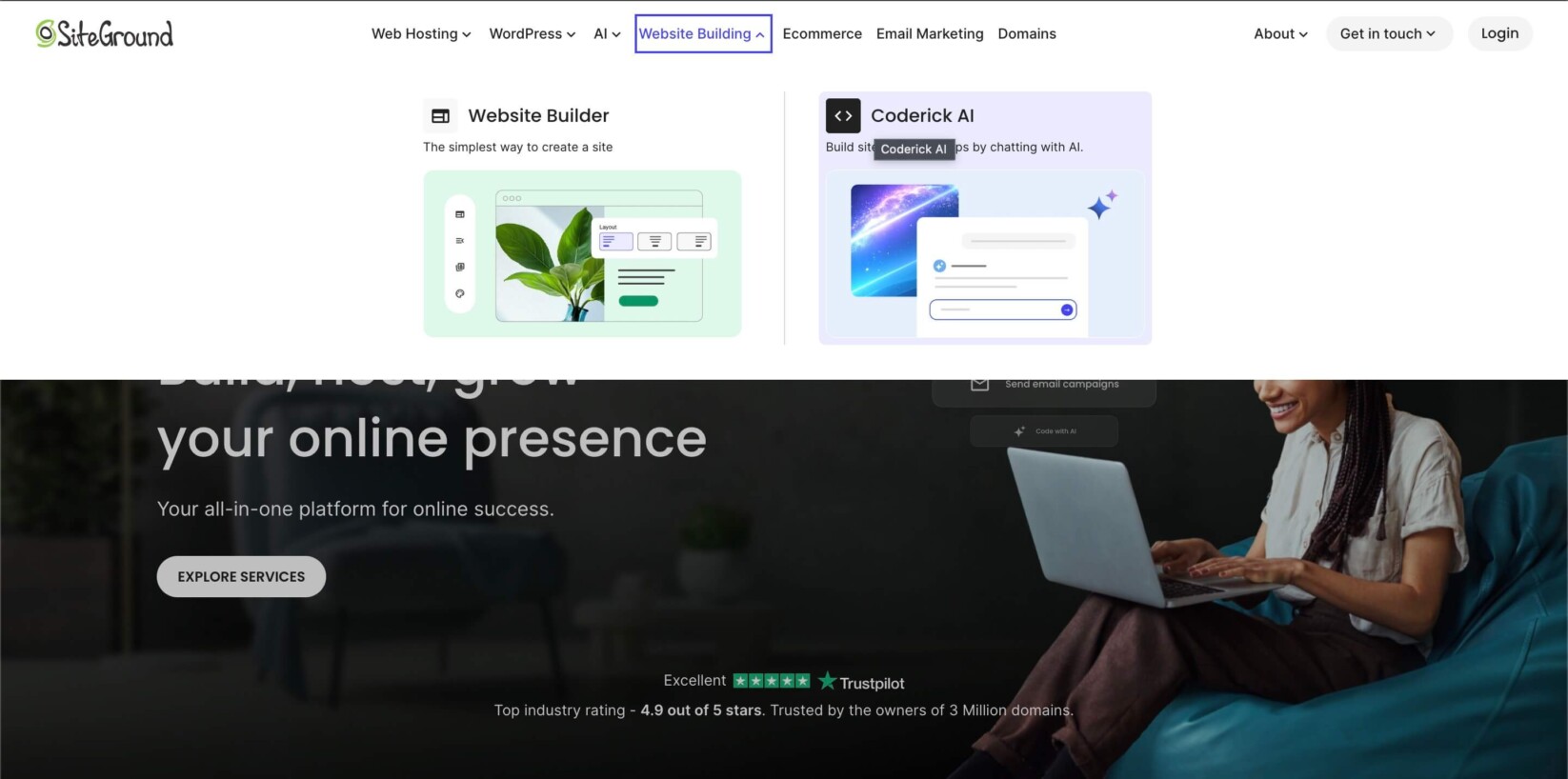
Start from the Coderick AI page
If you don’t have a SiteGround account yet, you can get started from the Coderick page on our website
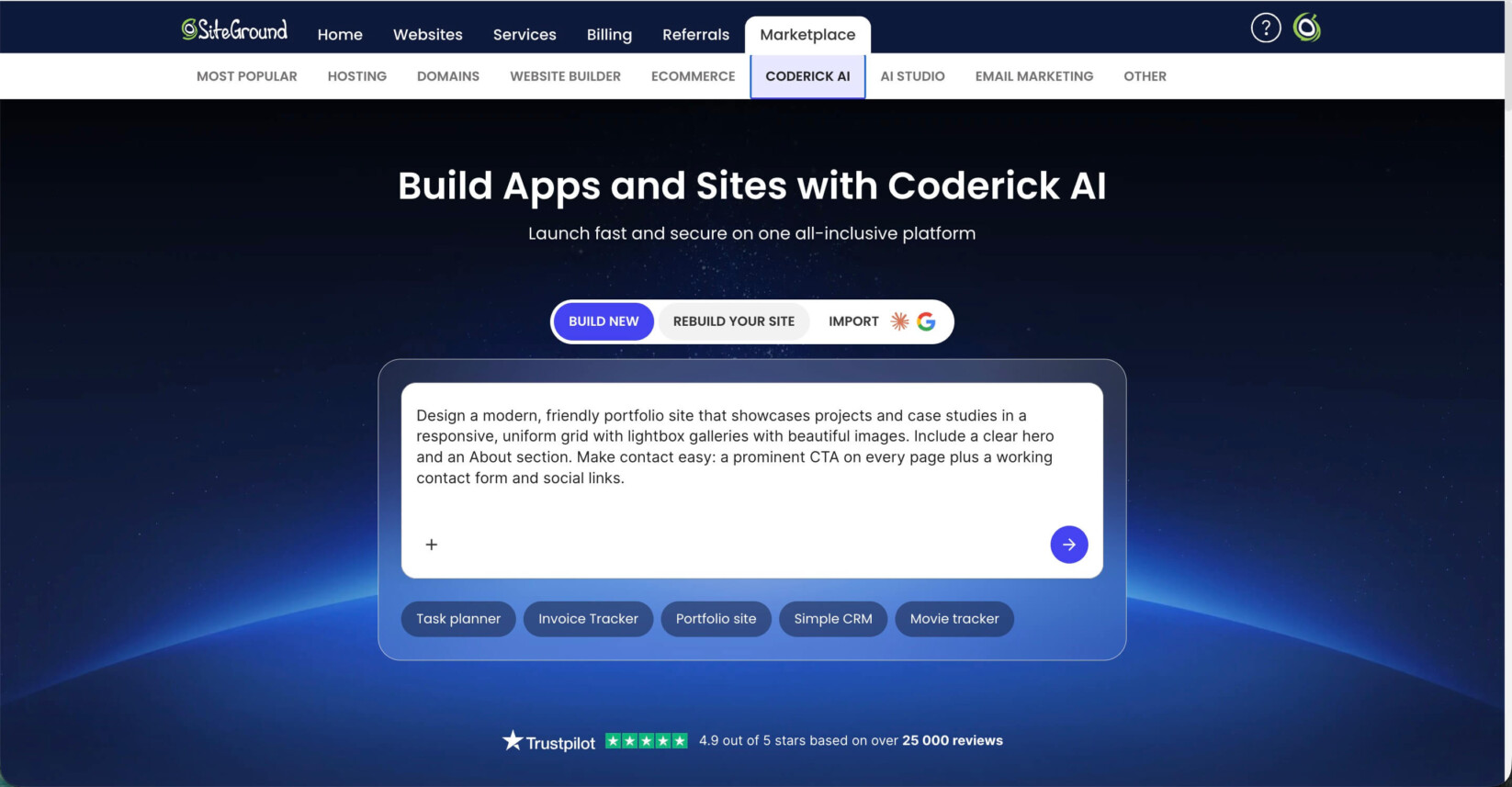
Start from your Client Area (existing clients)
Existing SiteGround clients can start a new Coderick project from their Client Area > Marketplace > Coderick AI.
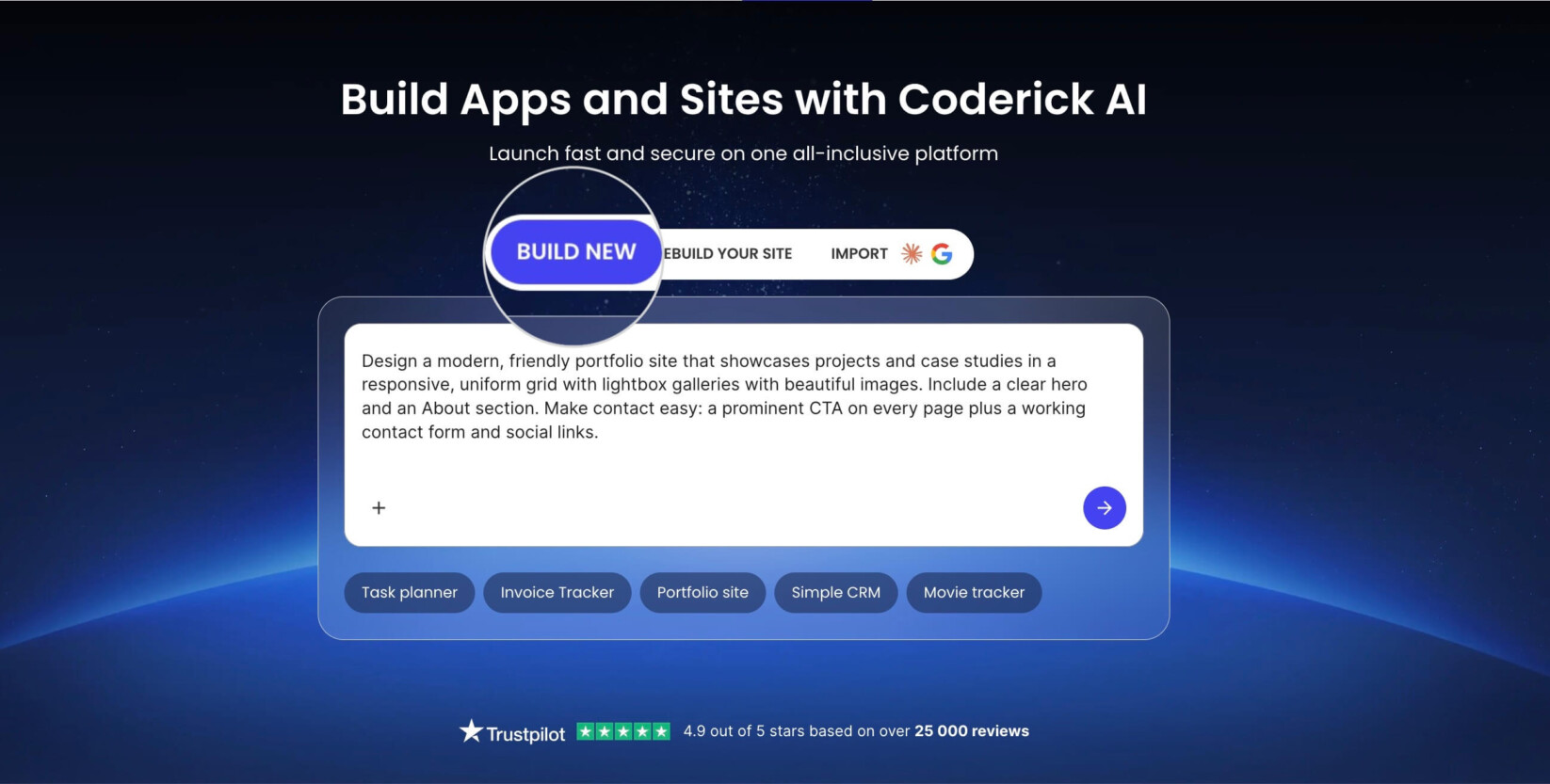
Option 1: Start a new site with your own prompt
One way to start building your new project is to simply describe in your own words the type of site or application you want to create and submit your prompt to Coderick AI, so it can start creating.
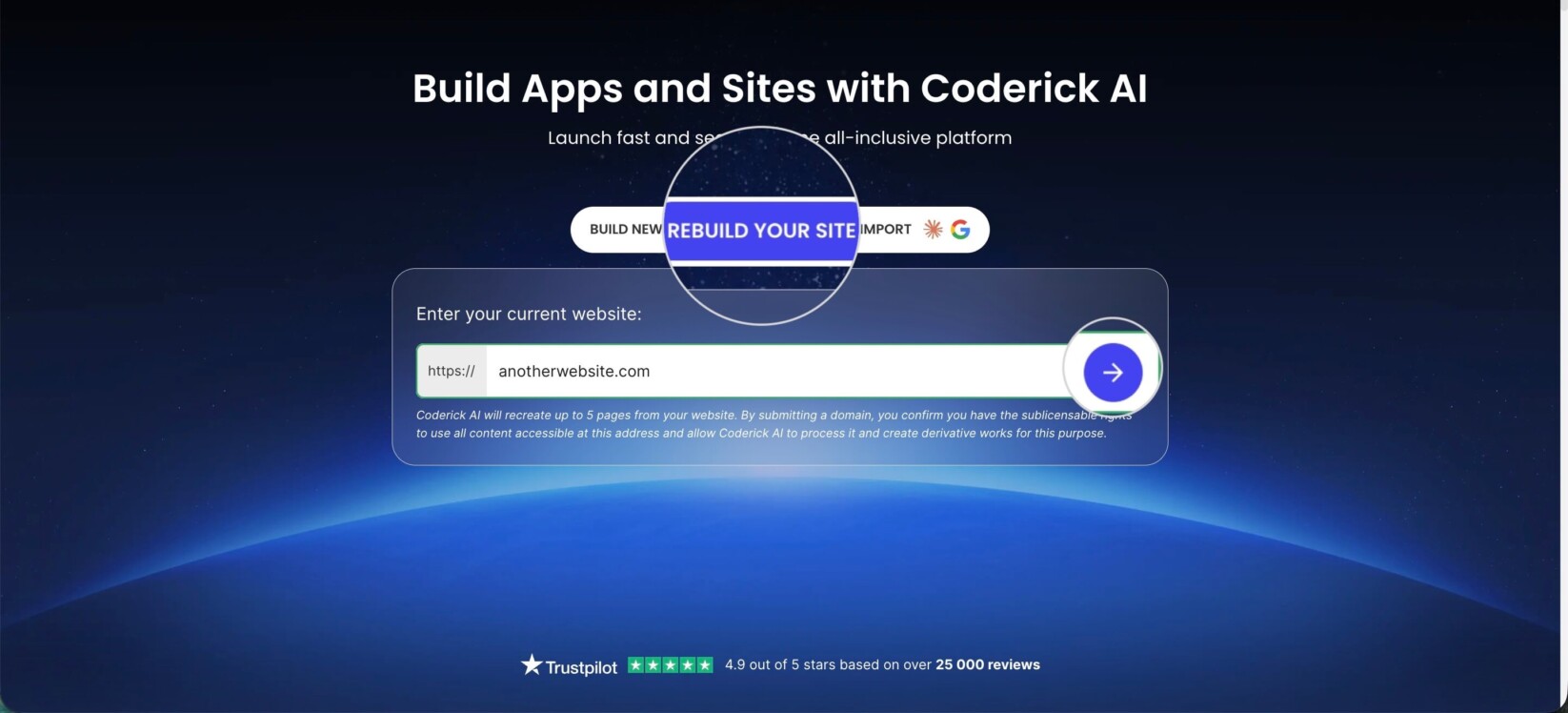
Option 2: Recreate an existing site by providing a URL
If you want to recreate your existing website and start editing it with Coderick, you can choose the Rebuild your site option and provide your current site URL. Coderick AI will recreate up to 5 pages from your website at the start, and you can continue iterating once your project is set up.
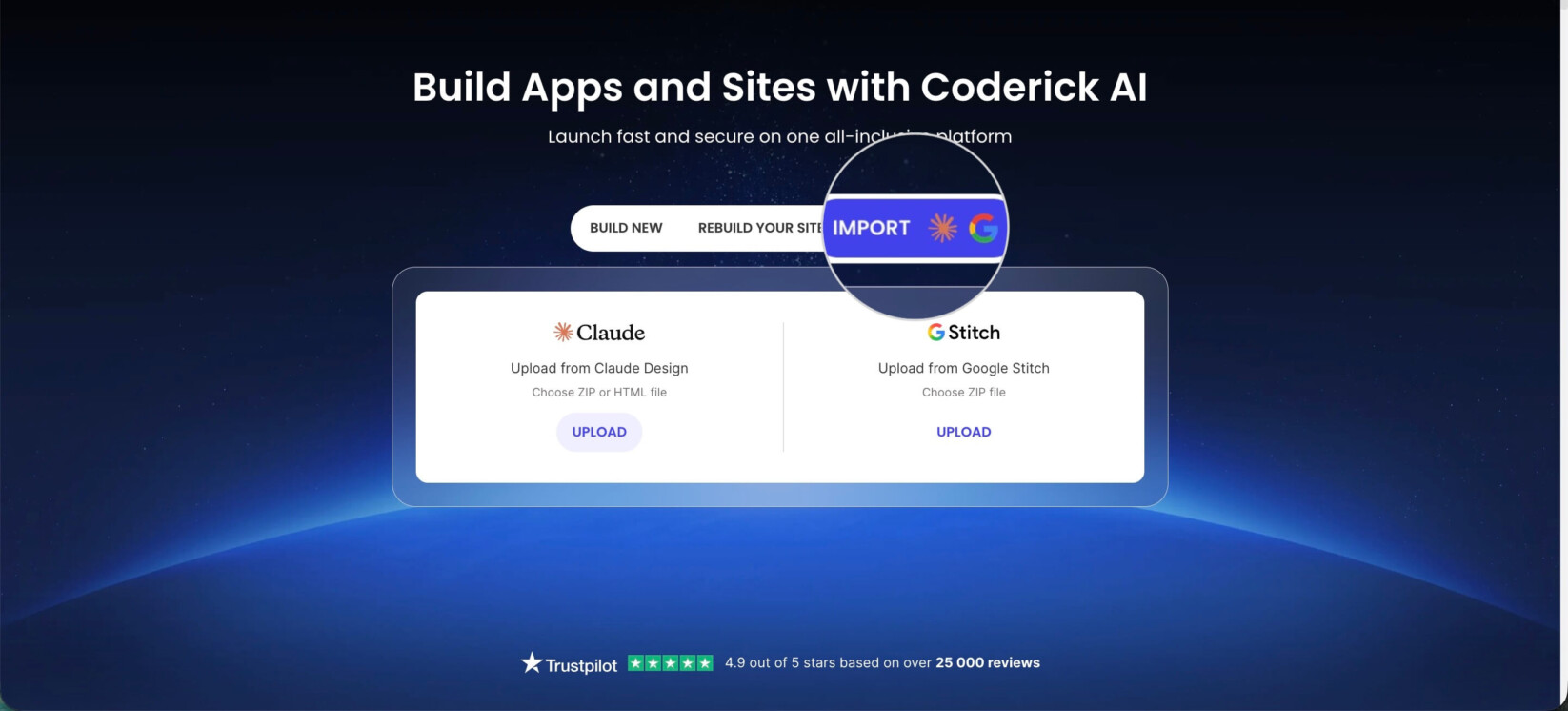
Option 3: Upload a Claude or Google Stitch design
If you have already created a design in Claude or Google Stitch, you can upload a file and start building based on this design.
Option 4: Choose a ready-made template
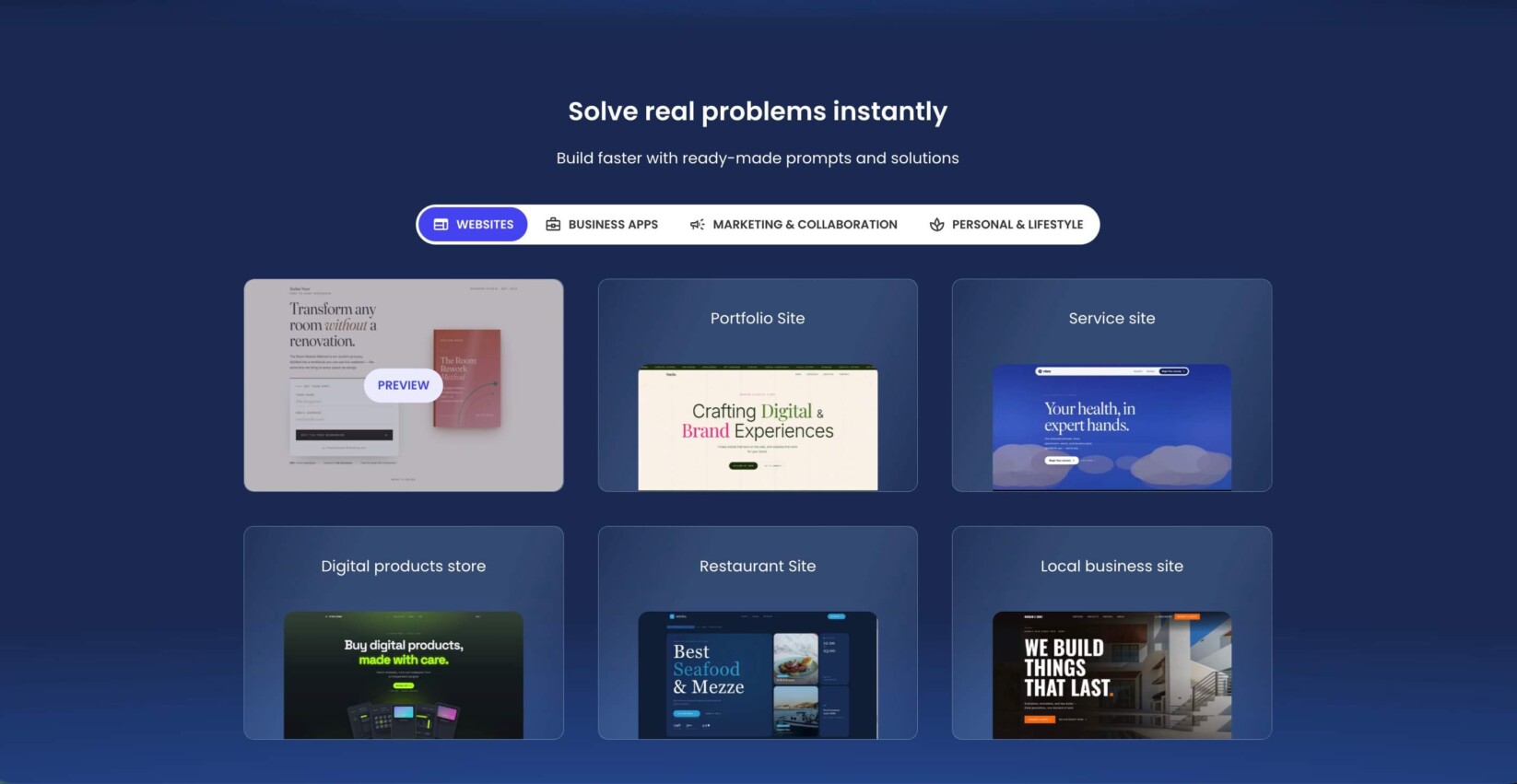
Instead of starting a chat, you can choose one of the preset templates that we’ve created. Just pick the desired template by clicking its Preview button.