Home
/
Google Workspace
/
Account Management
/
How to reset the password for a Google Workspace user
How to reset the password for a Google Workspace user
Google Workspace is an industry-standard business solution that offers a wide range of tools to power your enterprise – from professional email to Docs, Meet, Calendar, Drive, and more.
By integrating Google Workspace with your SiteGround account, you can manage your entire digital presence—from websites to email—through a single, unified dashboard. This means you can manage users and reset passwords directly within your SiteGround Client Area without switching between multiple admin panels.
Тo reset the password for a Google Workspace user from your Client Area, follow these steps:
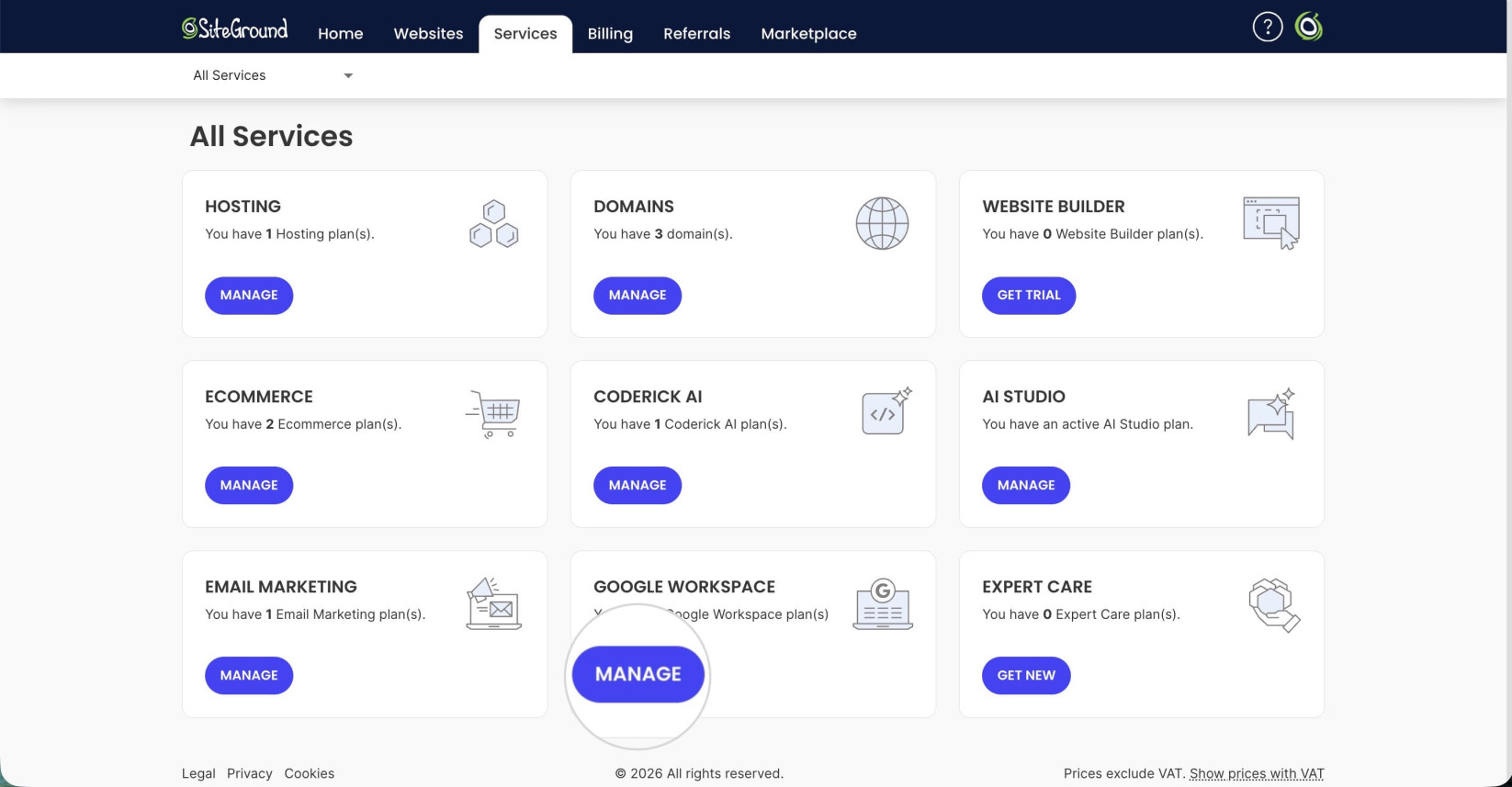
- Navigate to your Client Area > Services > Google Workspace and press Manage.
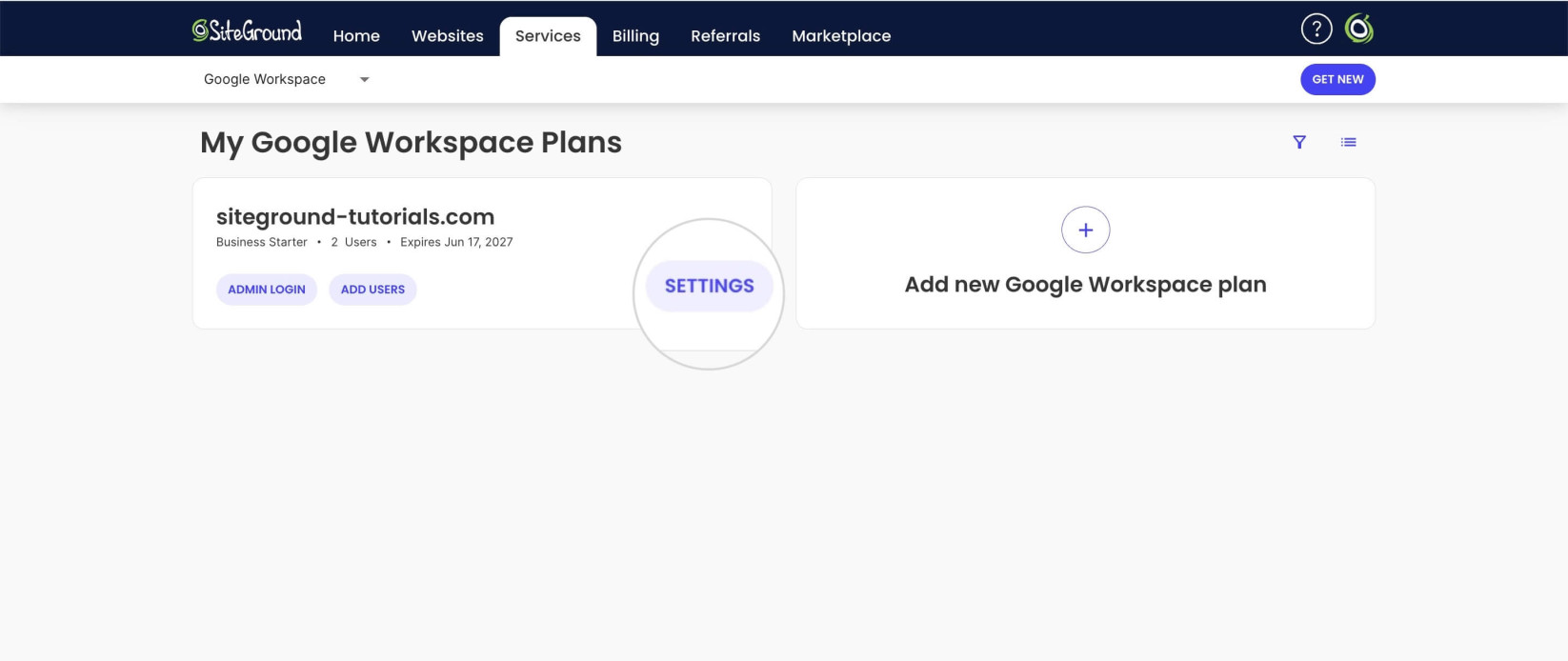
- Press the Settings button for the chosen Google Workspace plan.
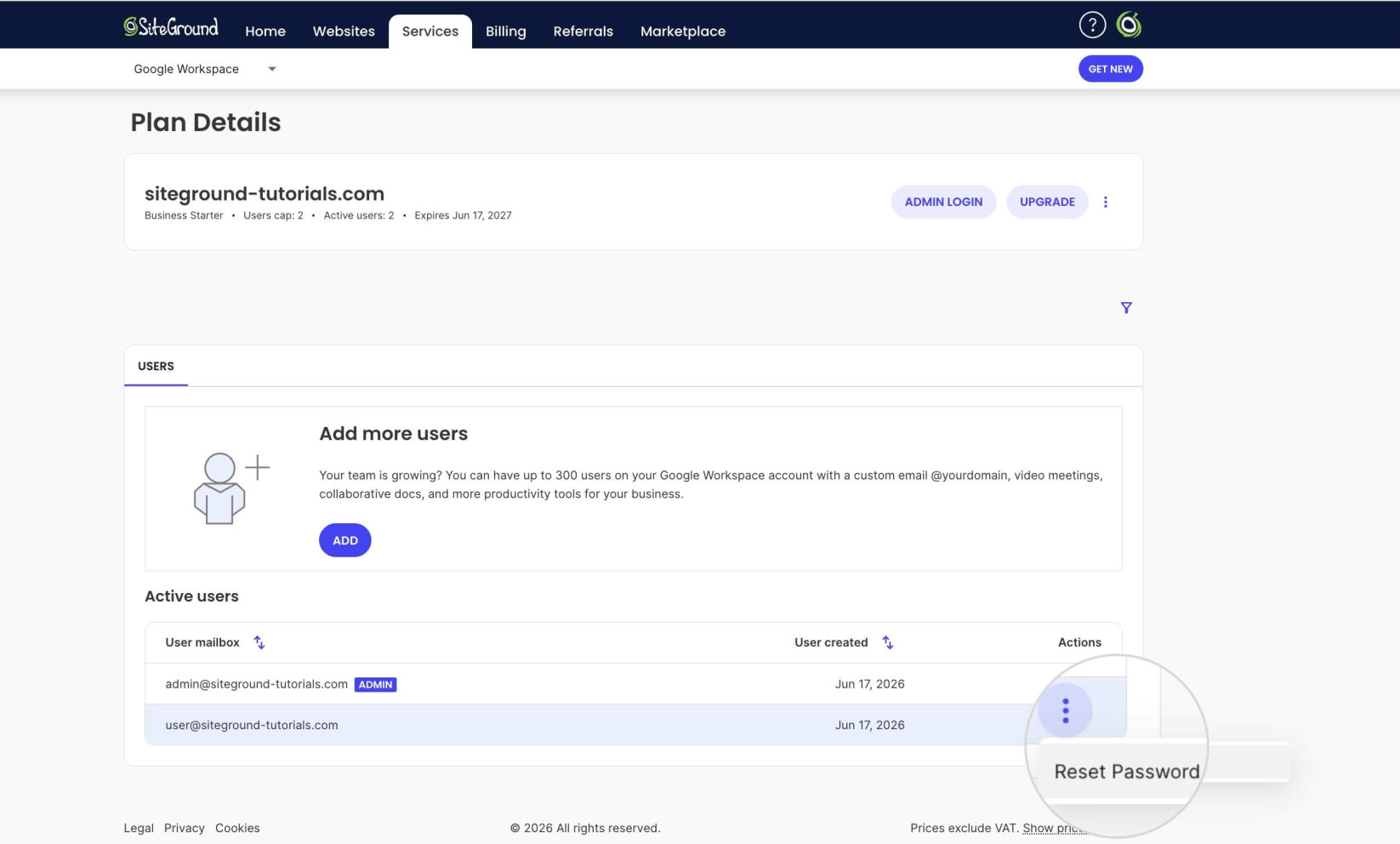
- Scroll down to the Active Users section, open the Actions (kebab) menu for the user whose password you want to change, and select Reset Password.
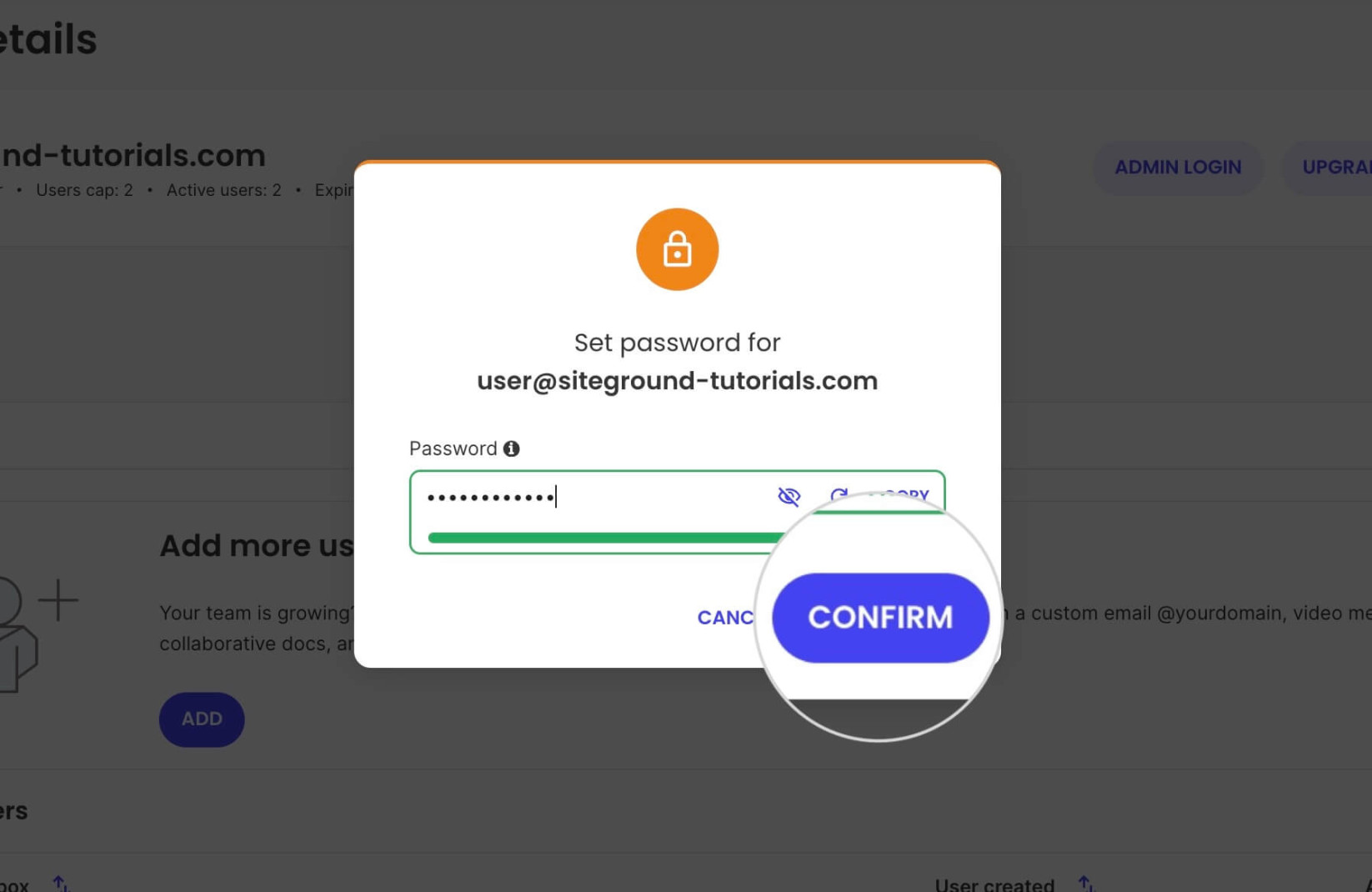
- In the following pop-up window, type the user’s new password or press Generate to auto-generate it.
- Press Confirm to save the password.
All done! The Google Workspace user can use the new password right away.
For more information about the Google Workspace setup, read the following guides:
