Where Can I Monitor My SiteGround AI Studio Token Usage?
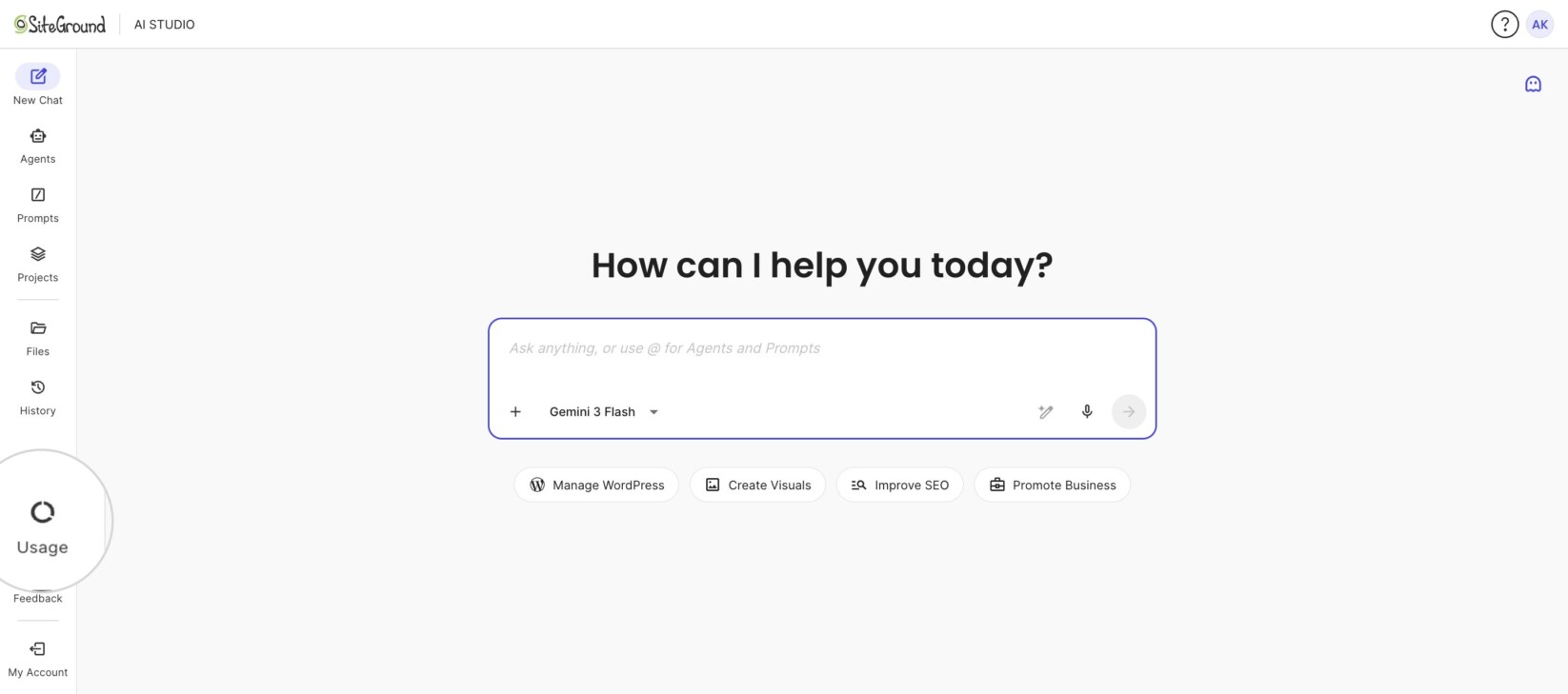
You can monitor your AI Studio token usage in the Usage section, that is linked in the AI Studio menu:
This page gives you a clear overview of how many AI Tokens you currently have remaining and a quick link to the AI Tokens management section in your Client Area.
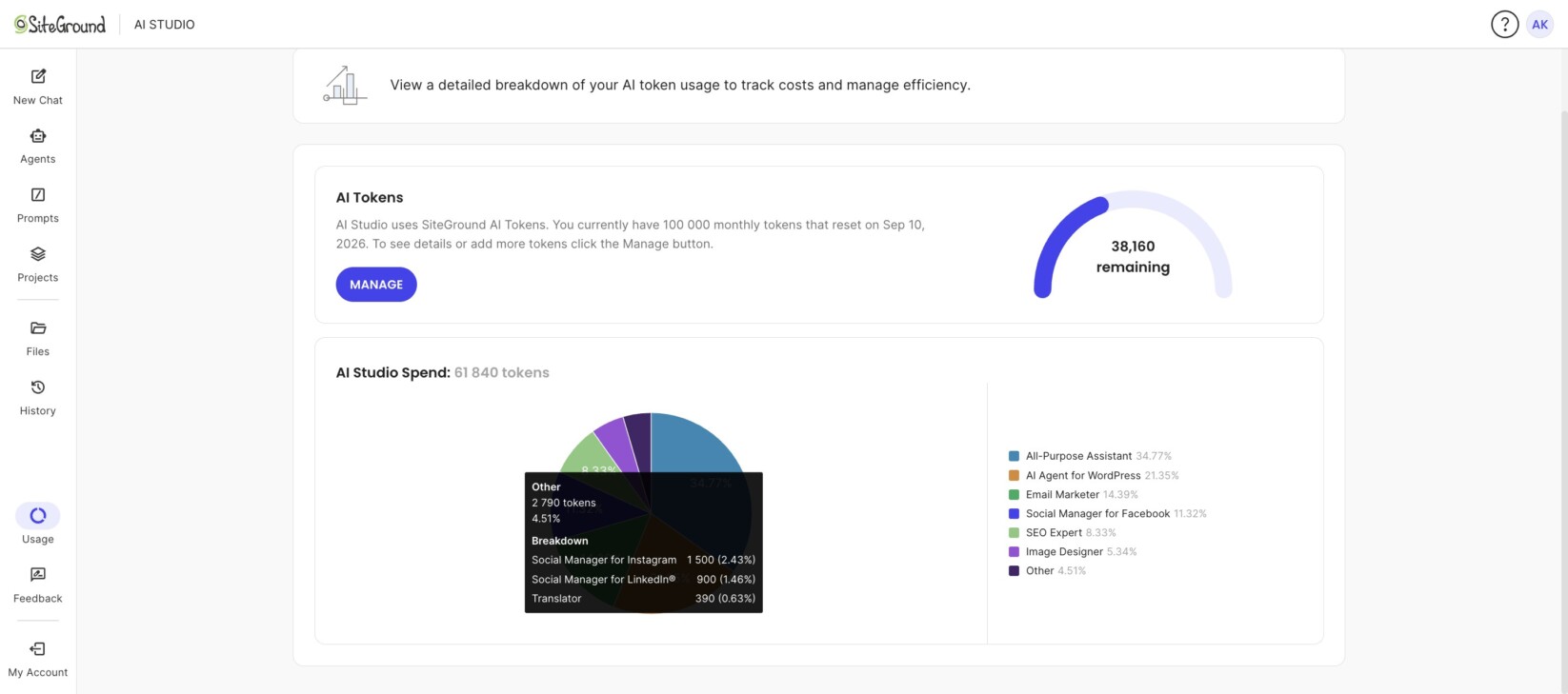
On this page, you’ll find a detailed breakdown per agent, showing how many AI Tokens have been used for various tasks.
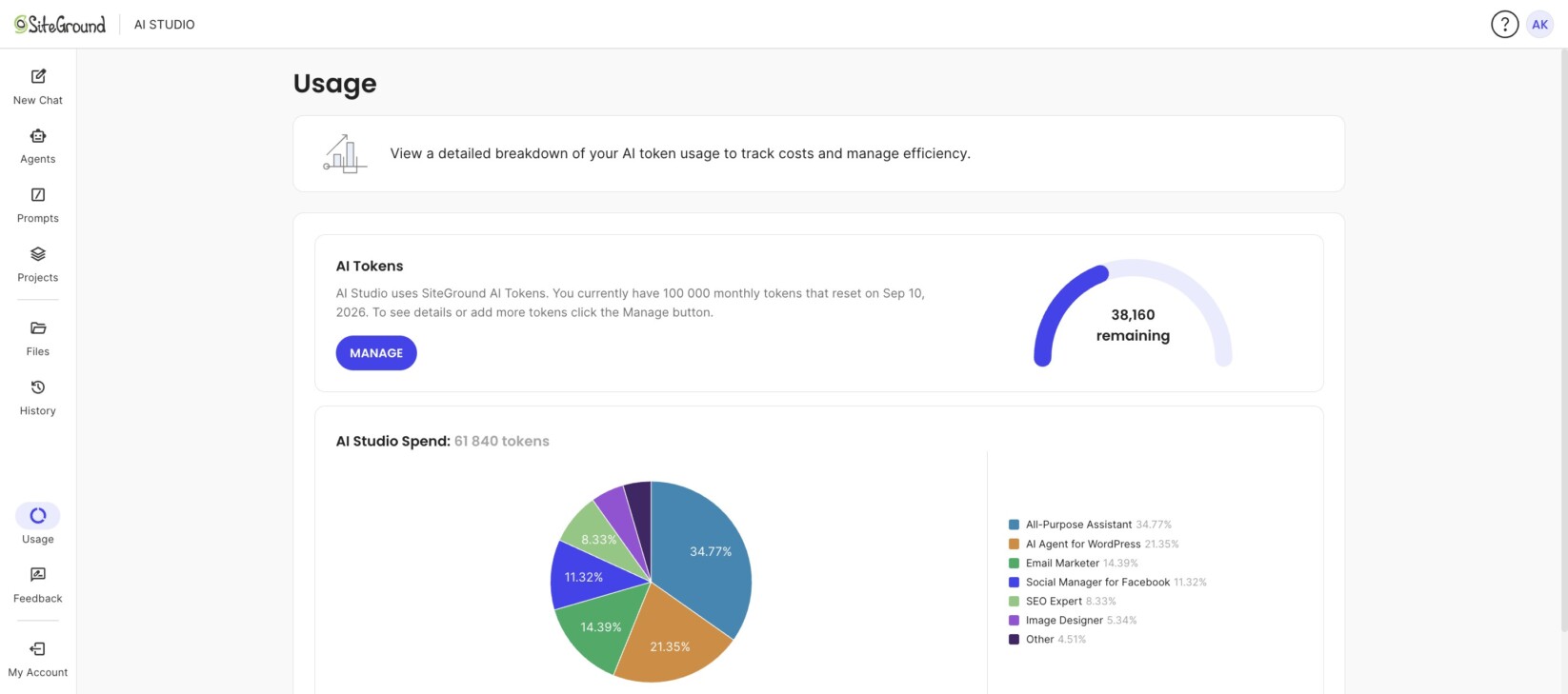
You can quickly see your remaining balance represented as both a number and a progress bar.
When your usage reaches 80% or 100% of your allowance, you’ll receive an in-product notification with an option to order a paid plan or to upgrade your paid plan by adding extra tokens.
Below your total usage, you’ll find a detailed breakdown per agent, showing how many tokens have been used for various tasks.