Knowledge Base

Get Expert Website Hosting

Choose website reliability and expertise with SiteGround!

How to Create Roles?

Summarize this article with:
Last update: Jul 07, 2026

To create a new role, go to your Client Area, click on your profile icon, and select Manage Users. Then, from the tab Roles, click on the Create Role button.
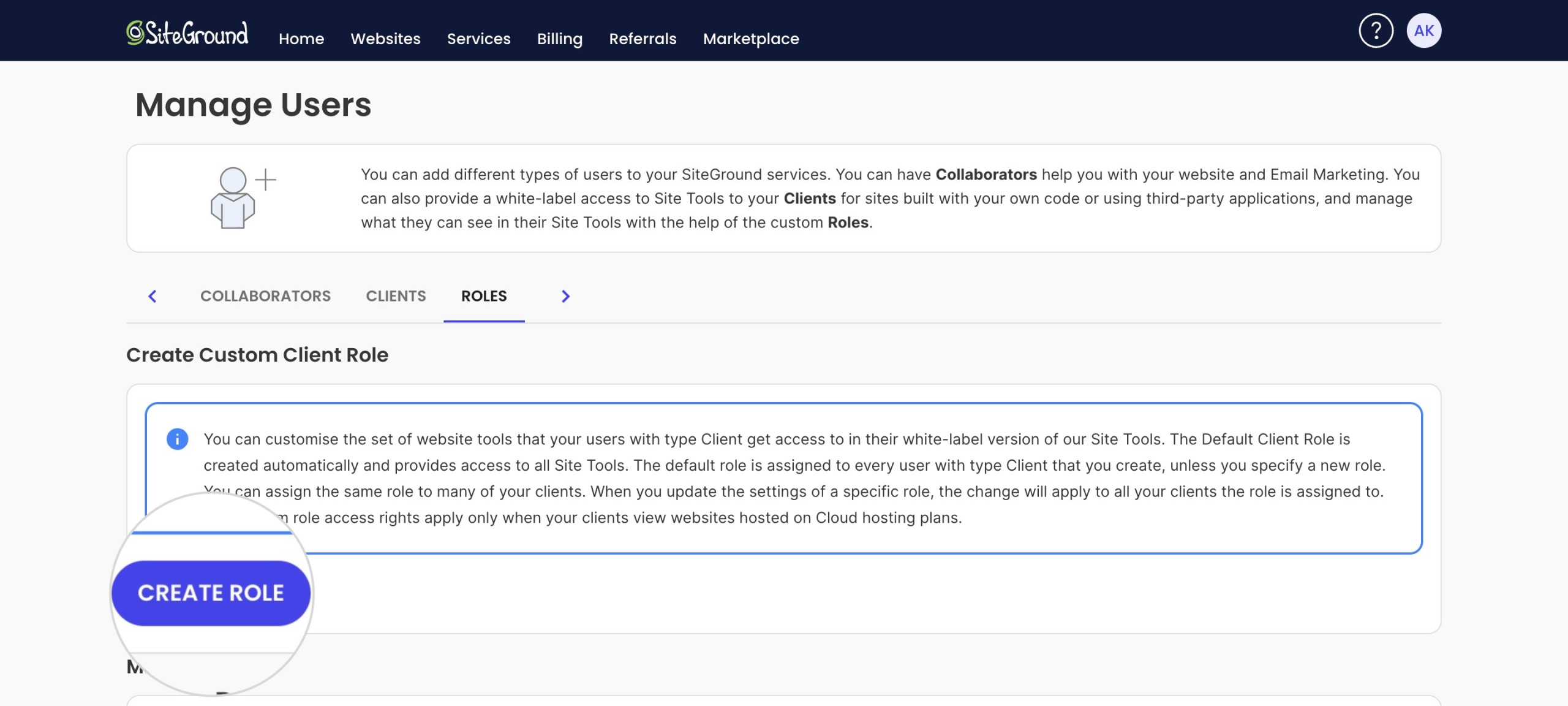
Manage Users screen, Roles tab: the “Create Custom Client Role” panel with the CREATE ROLE button.

In the pop-up window, you will be able to name your custom client role and select the set of tools to which the clients with that specific role will have access.

Share this article

Found this article useful?

Add SiteGround to your preferred Google sources