Can I Change My Monthly AI Tokens Plan Limit?
How to increase your monthly AI Tokens limit
You can increase your monthly AI Tokens limit anytime through your Client Area > Services > AI Tokens > Increase monthly limit
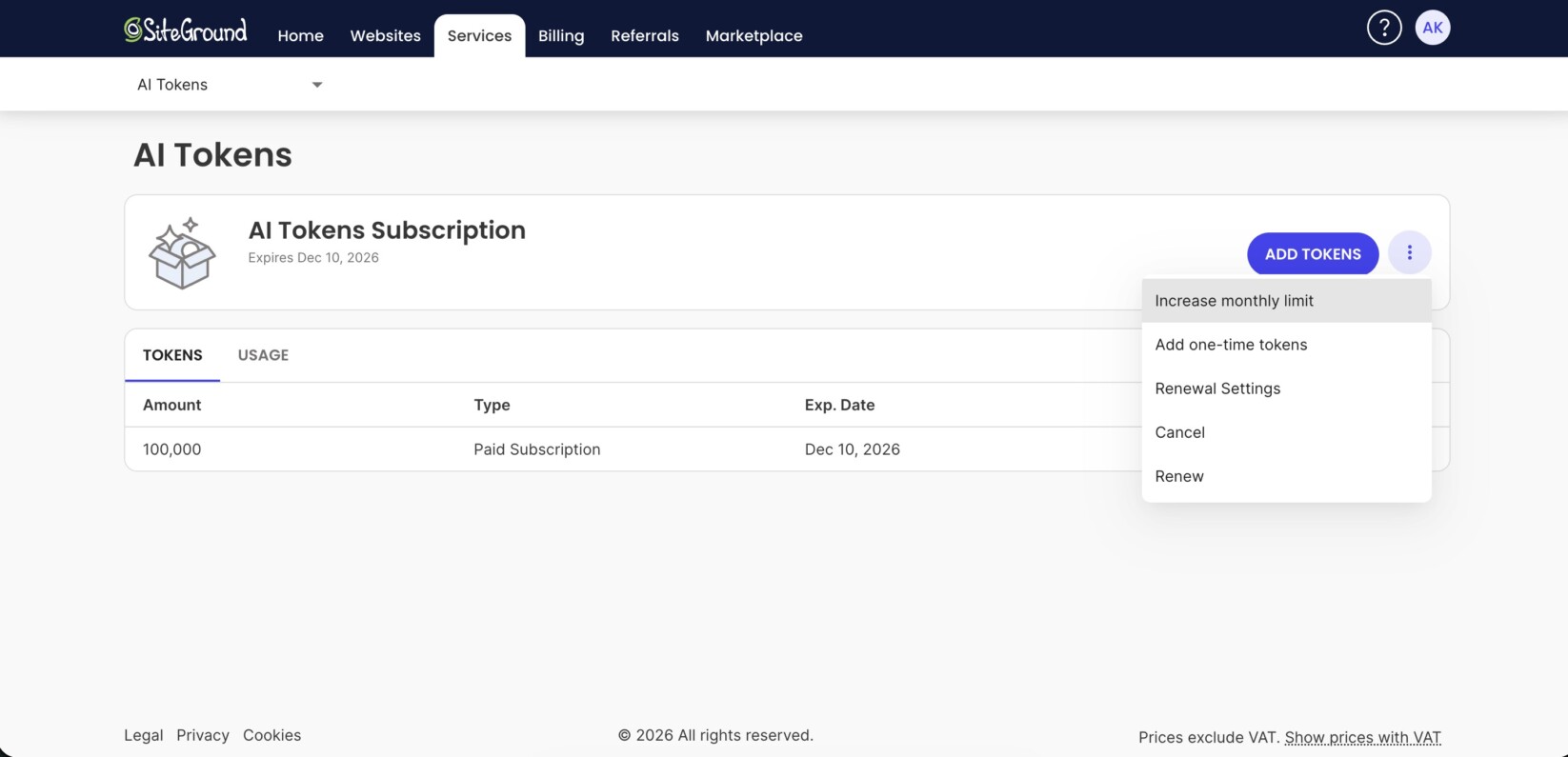
How much will increasing the monthly AI Tokens limit cost?
If you already are on a paid AI Tokens Plan you will be billed the difference between your current and your new tier for the remaining term in your current billing cycle including the current month.
Example:
- You purchased an annual plan with 100,000 AI Tokens on January 1 and prepaid $100 until Dec 31
- On June 17, you add another 100,000 AI Tokens, thus now having a plan with 200,000 AI Tokens allowance.
- For these extra 100,000 tokens you will pay their monthly price (100USD /12 months = 8.33 USD) multiplied by the number of months remaining to expiration of the prepaid plan, including the current month that has already begun. In our example, this means 7 months x 8,33 USD.
- Upon your next AI Tokens plan renewal, it will renew at the new AI Tokens tier of 200,000 tokens, unless you change your autorenewal settings.
How to decrease your monthly AI Tokens limit
You can decrease your monthly AI Tokens limit in one of the following ways:
- Choose a lower limit in your autorenewal setting
This way you can set a lower limit for your next paid AI Tokens plan term.
- Cancel your paid subscription plan
This way you will fall back to our free AI Tokens plan with 20 000 AI Tokens per month.
