How do I cancel my AI Tokens plan?
You can cancel your AI Tokens paid plan from Client Area > Services > AI Tokens > Renewal settings.
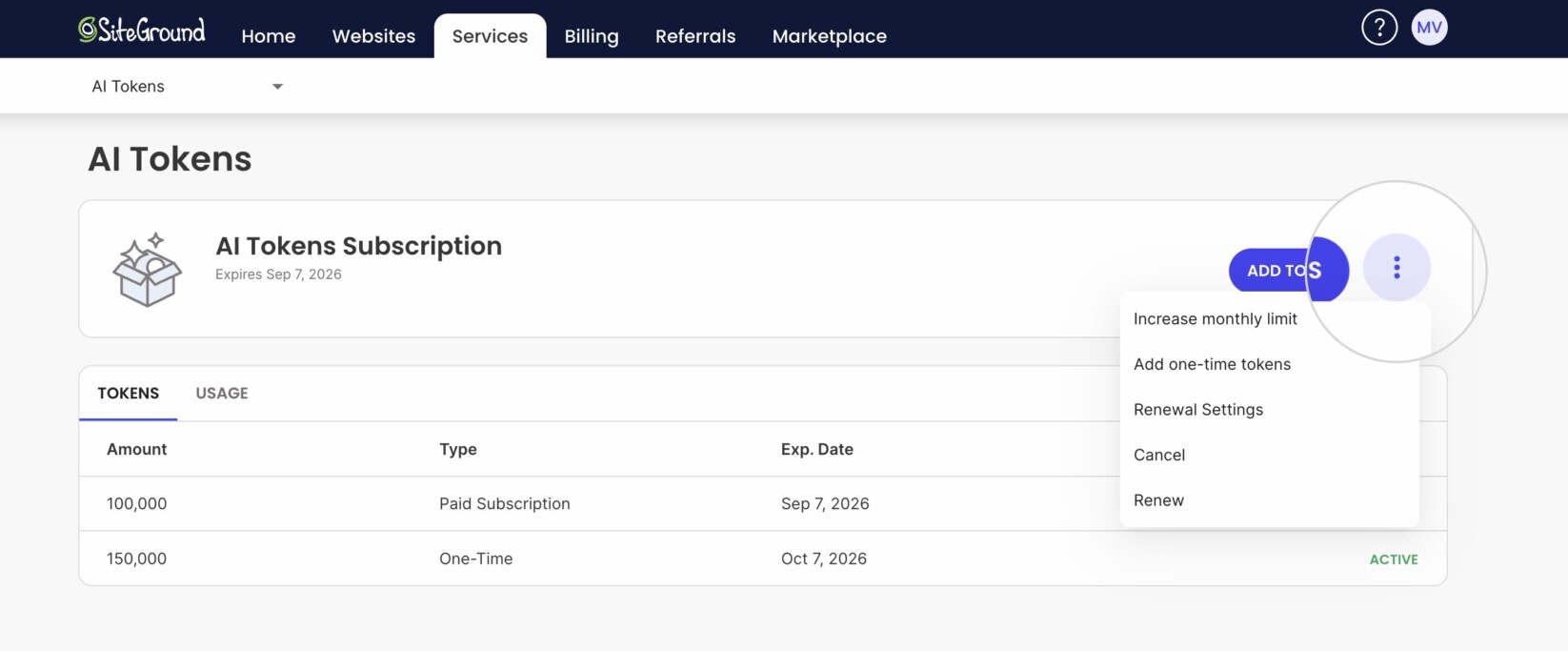
You will have two options to cancel:
- Cancel immediately
This will end your paid AI Tokens plan right away and you will be moved to a free AI Tokens plan with 20 000 AI Tokens per month. If you have any payment related with this paid plan in the last 30 days and you have not used any tokens after this payment, you will be entitled to a refund.
- Cancel at expiration
This keeps your subscription active until the end of the current billing period and turns off auto-renewal, so at the end of the term you will be moved to a free AI Tokens plan with 20 000 AI Tokens per month.
