Home
/
Collaborators and White-Label Clients
/
Manage White-Label Clients
/
Can I Remove the Role of My Client?
Can I Remove the Role of My Client?
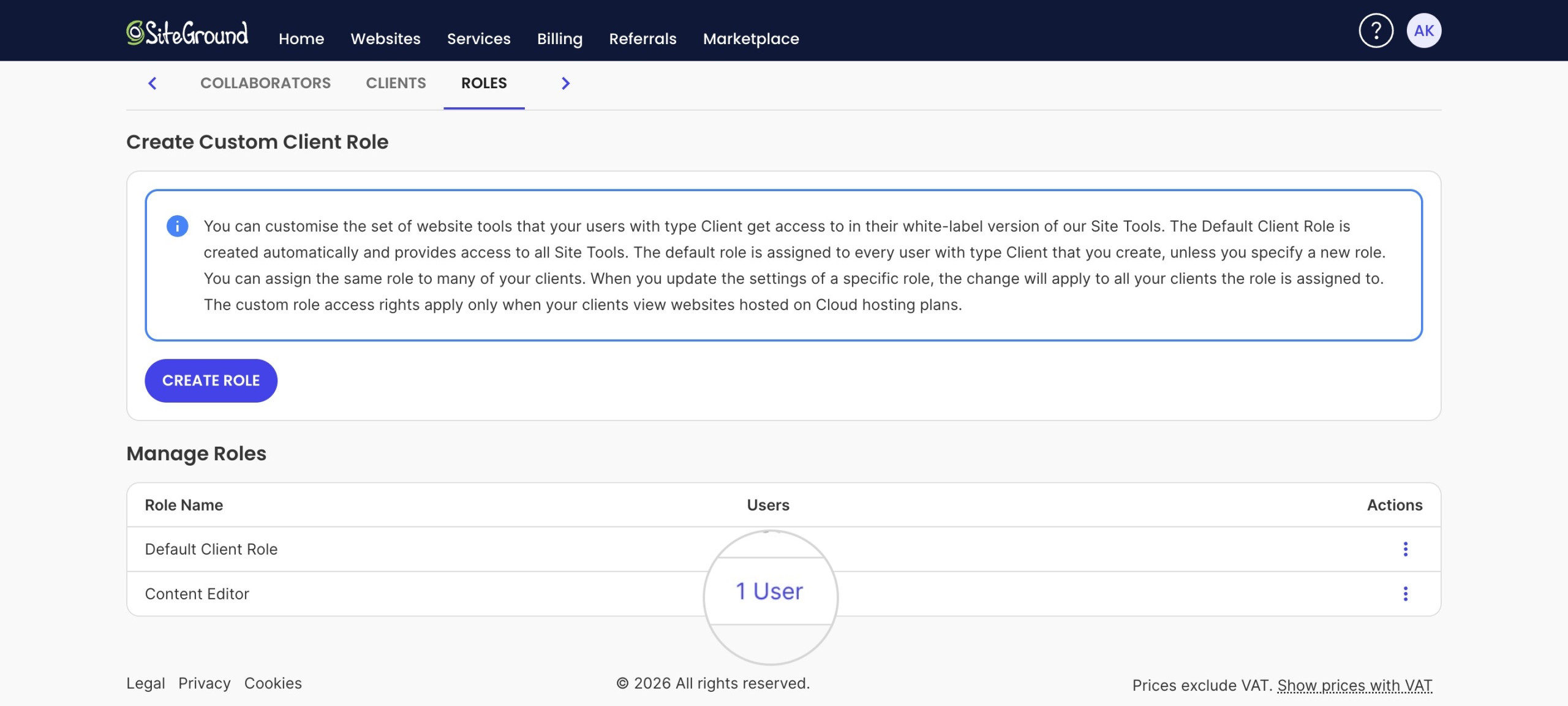
Yes, to remove a custom role of a client, go to your Client Area, click on your profile icon, and go to Manage Users. From the Roles tab, look for the particular role and click on Users next to it.
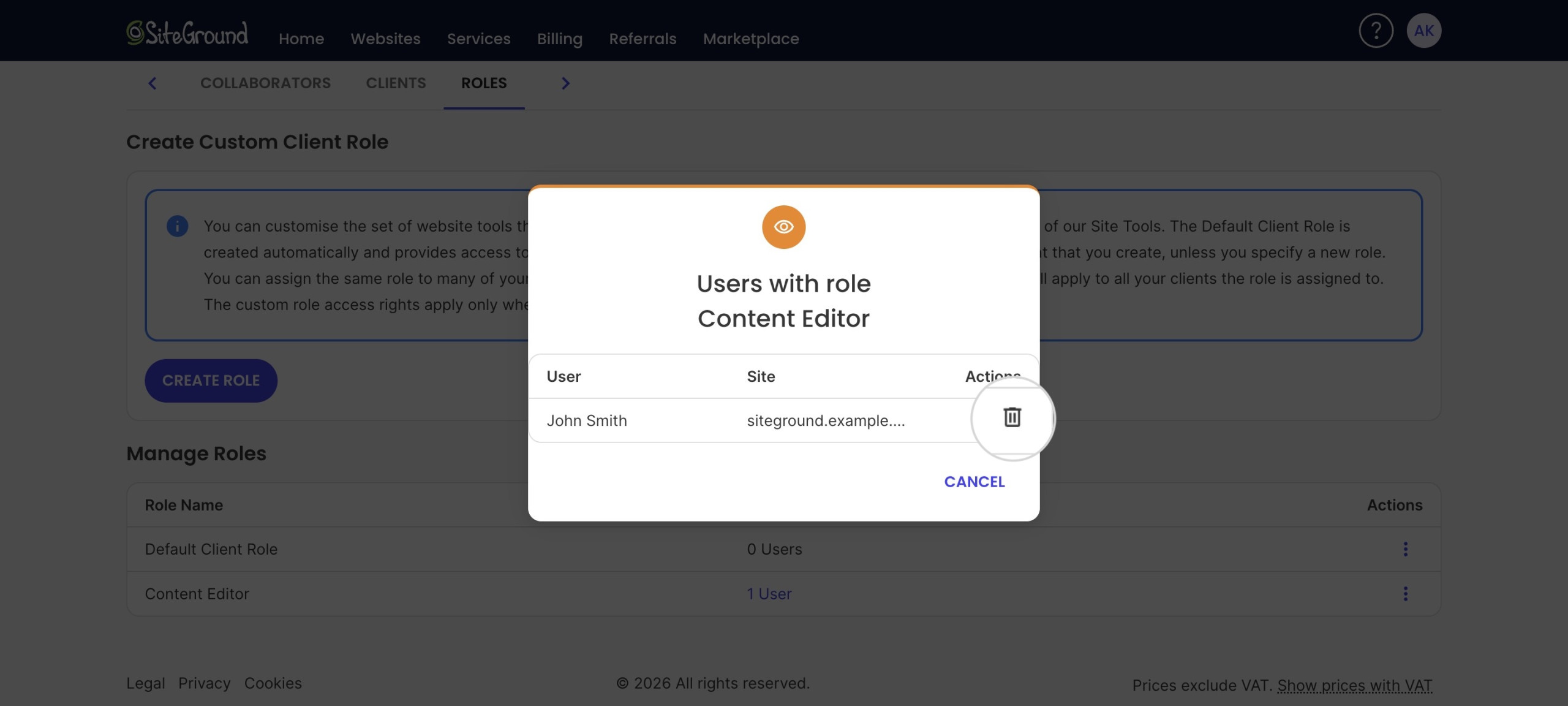
A pop-up will appear where you can remove the user from this specific role using the trash bin next to it. If you do so, your client will be automatically assigned to the Default Client Role and will receive full access to all Site Tools.