Home
/
Collaborators and White-Label Clients
/
Manage White-Label Clients
/
Can I Change Which Role is Assigned to My Client?
Can I Change Which Role is Assigned to My Client?
Yes, to change an already assigned role, go to your Client Area, click on your profile icon, and select Manage Users.
From the list of roles, find the new one that you want to assign to your client and click on the Actions menu next to it. Select Add New User and in the pop-up window, choose the desired client from the Users drop-down list.
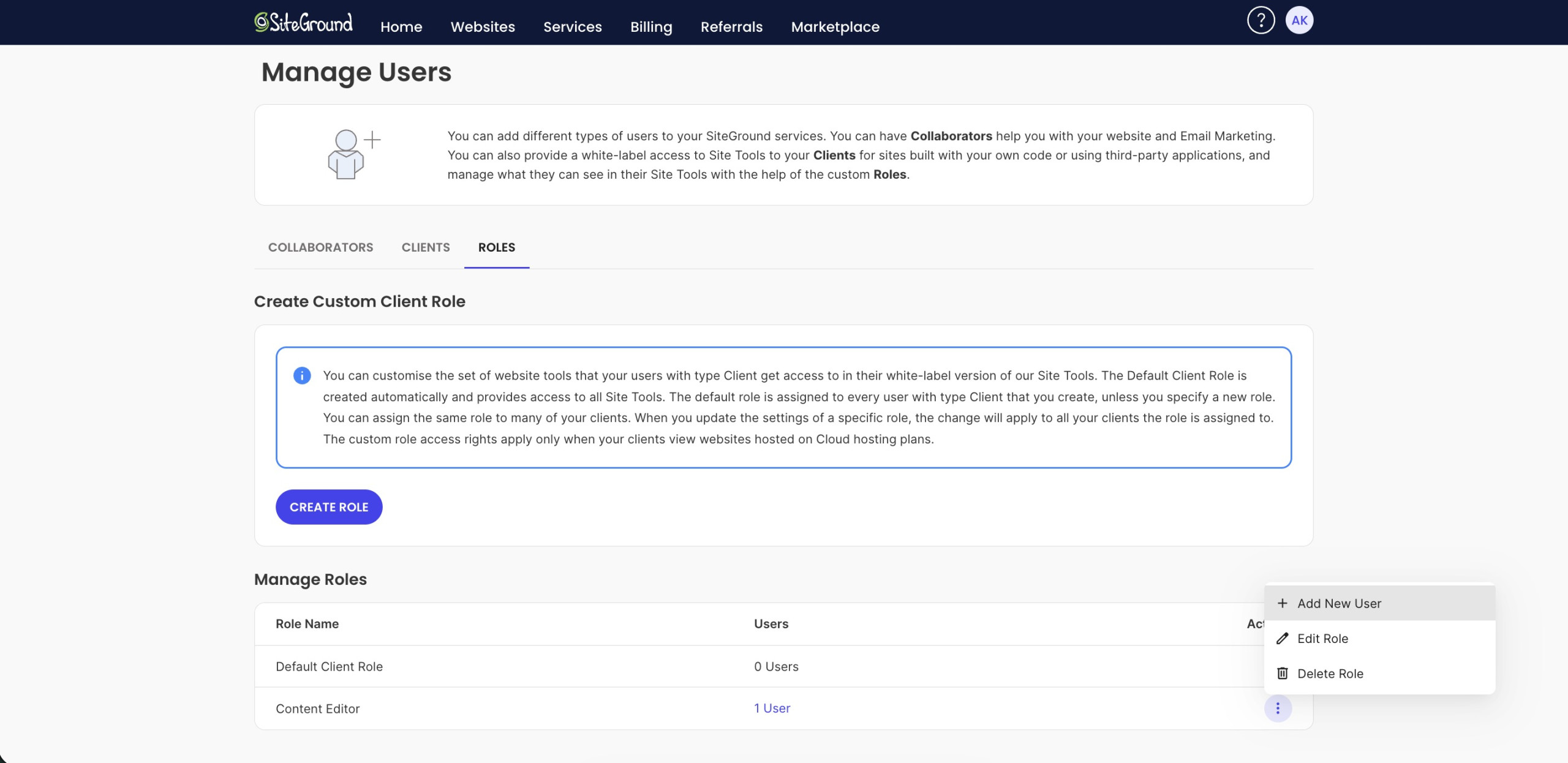
Then, add the website to which this custom role and access will be associated with, and click Confirm.
