Home
/
Website Builder
/
Global Settings & Site Navigation
/
How to add contact information to my site's footer
How to add contact information to my site's footer
Adding contact information to your site’s footer helps visitors reach you easily.
To add your Contact Information to the footer of your SiteGround Ecommerce website:
- Click on Home.
- Click the Edit Website button in the upper-right corner. This will take you to the Website Builder dashboard, where you can edit the look of your website.
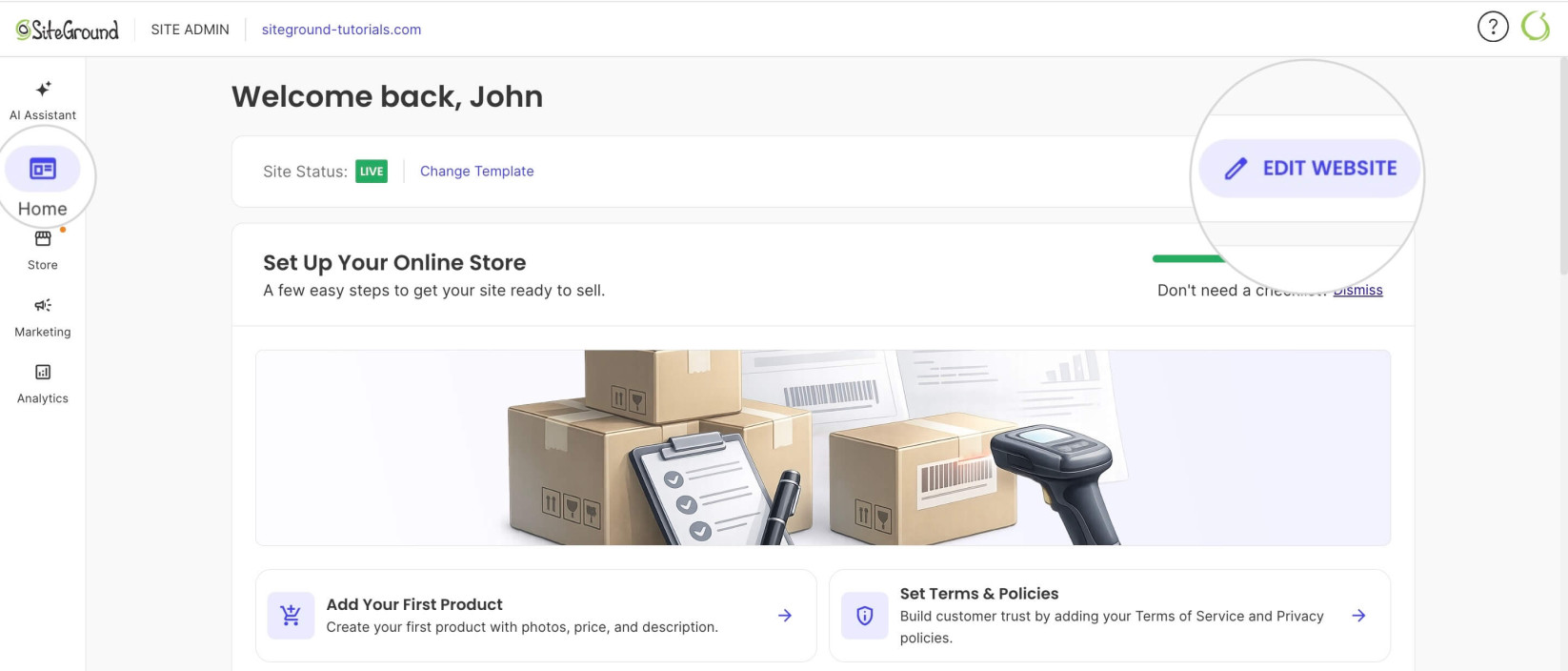
- Inside the Website Builder, scroll the page down to the bottom and click on the Footer area to open the footer settings menu.
- Turn the Show Contact Info toggle on.

You’re done! Your contact details will be shown on your site’s Footer. This information is auto-filled based on the business details entered in your Ecommerce admin dashboard > Settings. If you wish to edit them, update the information there.
