You can now host Node.js apps on SiteGround
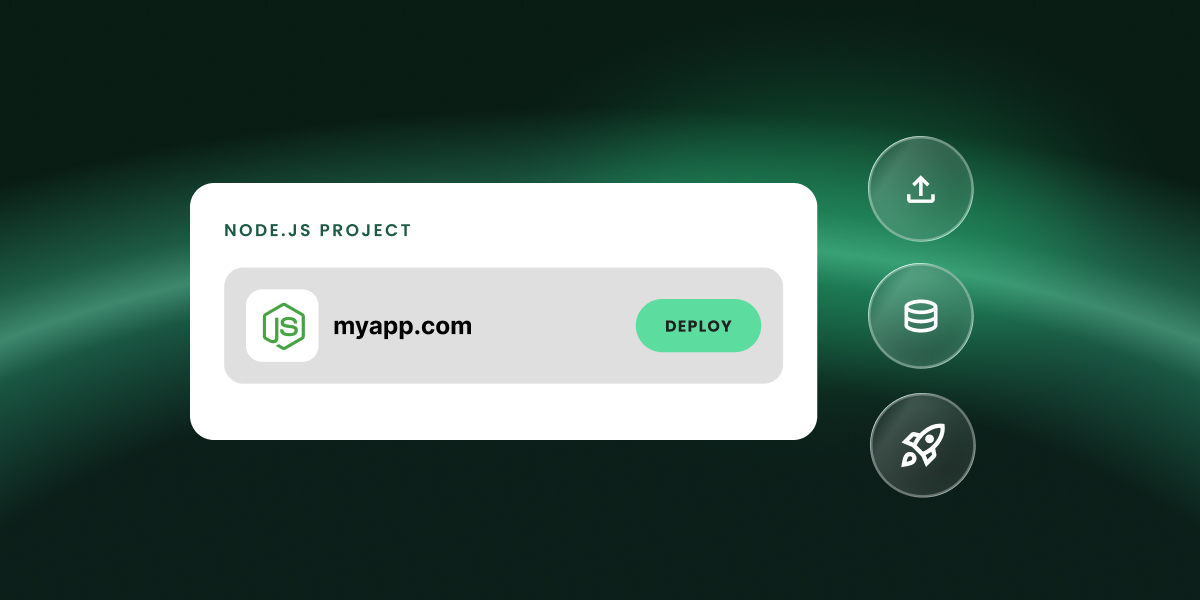
If you’re on a GrowBig, GoGeek or Cloud, you can now host Node.js apps in your existing plan. Connect a GitHub repository or upload your code, and we build, deploy and run it for you. Your apps are managed from the same Client Area as your sites, and they can use what your plan already includes: managed databases, free SSL, and email once the app is on your own domain.
What is Node.js?
Node.js is an open-source runtime that lets JavaScript run on a server, not just in the browser. That means one language can power both what people see on screen and the logic behind it: handling requests, reading and writing to a database, sending emails and connecting to other services.
It’s one of the most widely used technologies for building on the web. Popular frameworks like Next.js, Nuxt and Astro run on it, and many of the apps created with AI coding assistants and app builders are built on it too.
What types of Node.js projects can you host?
Anything that runs on Node.js. That includes apps built with Next.js, Express.js, NestJS, Nuxt, Remix, Astro, Fastify and Koa, as well as React, Vue.js, Angular, Svelte and Vite.

Many of the projects clients are already bringing over were built with AI. If you’ve been working in Claude Code, Cursor, Codex, Copilot or Windsurf, just connect the GitHub repository your assistant works in. Every fix it pushes redeploys automatically, and your vibe-coded prototype can go live on your own domain with a database behind it. Sites made in Lovable, Bolt, v0 or Replit work the same way: export them to GitHub or download a ZIP, then publish on a domain you own, with email on that domain included.
Others were built by hand. That might be the API behind your mobile app or your WordPress frontend, a webhook handler or integration that keeps your product running, or a full application on the frameworks you chose. They run on a standard Node.js runtime with a MySQL or PostgreSQL database, environment variables and a log for every build, and nothing proprietary sits between your code and the server.
Deploy your Node.js app from GitHub or upload it as a ZIP
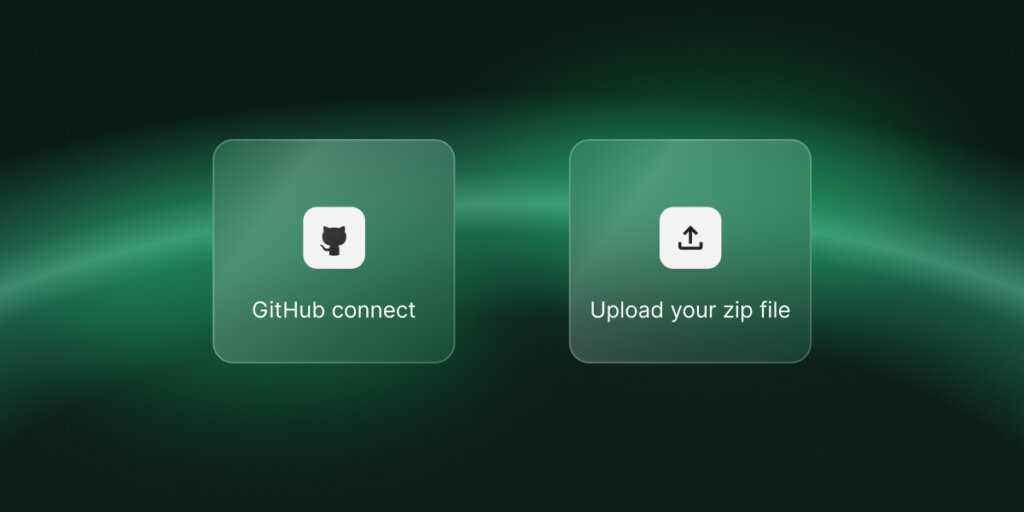
The quickest route is GitHub. Connect a repository, pick a branch, and we handle the build and deployment. After that, every push to that branch triggers a new deployment, so your live app always matches your latest code. You can pause auto-deploy, switch repositories or disconnect whenever you like.
Prefer not to use GitHub? Upload a ZIP of your source code and we’ll take it from there. You can link a repository later if you want automatic updates.
Every new project starts on a free temporary domain, so you can test it straight away. When it’s ready for real traffic, point a domain you own to it from the Client Area.
What comes with every project
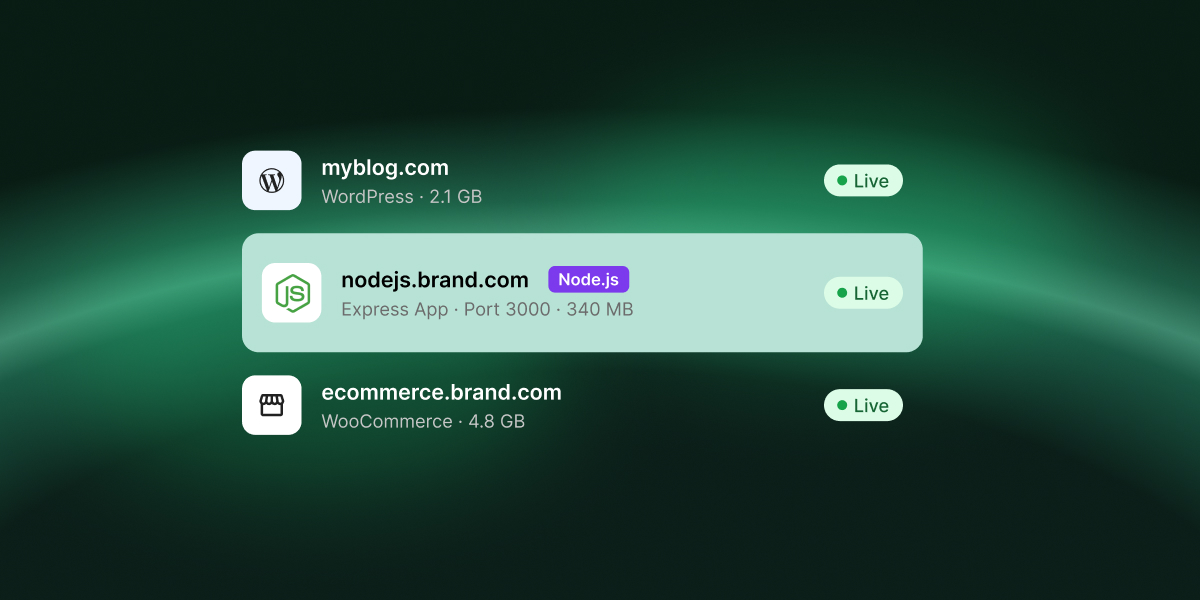
Because your app runs on your hosting plan, it gets the same essentials as your websites. You can create MySQL and PostgreSQL databases right from Site Tools, and once the project is on your own domain, you can set up email accounts like hello@yourapp.com at no extra cost. Free SSL with HTTPS enforcement, protected URLs and traffic blocking are included with every project.
You also decide how your app is built. We preselect the settings that suit it, and you can change any of them: framework preset, Node version, package manager, build command, and environment variables. Every deployment is logged with its author, branch, commit and full build output, so if a build fails, you can see why in a click.
Get started
In your account, each app is a Node.js Project. GrowBig includes 5, GoGeek 10, and Cloud as many as you need. A Node.js Project isn’t an add-on: it appears in your Client Area next to your websites and gets its own Site Tools, adapted for Node.js. Apart from the project count, it works like any other website on your plan when it comes to resources and features.
To add one, go to Client Area > Websites > Node.js Projects, add a project and choose GitHub or manual upload. Once it’s live on the temporary domain, you manage the domain, label and server details from the Client Area, and deployments, databases, security, email and statistics from Site Tools.
New to SiteGround? Node.js Projects are included with GrowBig, GoGeek and Cloud.
Frequently asked questions
GrowBig includes 5 projects, GoGeek 10, and Cloud as many as you need. There’s nothing extra to buy, and you can upgrade your plan any time if you need more projects.
No. Connecting GitHub gives you automatic deployments on every push, but you can also upload your source code as a ZIP and we’ll build and deploy it for you.
If your project is connected to a repository, we detect the push to the linked branch, then rebuild and redeploy automatically. You can pause auto-deploy at any time.
Yes. Every project starts on a free temporary domain, and you can point a domain you own to it from the Client Area whenever you’re ready.
Yes. You can create and manage MySQL and PostgreSQL databases for your project directly from Site Tools.
Yes, once the project is on a registered domain. Email accounts aren’t available on the temporary domain.
Yes. Node.js Projects run next to your WordPress sites and email on the same plan, and you manage them all from the same Client Area.





Comments ( 4 )
Jason
Does SSH access now apply to managed Node.js Projects themselves? In September, support told us SSH was unavailable for this service. Your October 12 API hosting guide says application log files can be read over SSH. Can you clarify whether this access reaches the Node.js runtime files and logs? Can users also run database migrations and diagnostic commands? We also encountered an 80-process/thread limit that prevented Next.js builds. Does GitHub deployment use a separate build environment with different limits? Which capabilities announced here are new compared with the Node.js Projects service available in September?
Gabriela Andonova Siteground Team
Hi Jason! Thank you for your questions! We’re happy to clarify. SSH access was introduced for managed Node.js Projects at the beginning of October, so it was not available when you contacted our support team in September. You can now access your project files and your database via SSH. Application runtime logs are not accessible via SSH, but you can still view the build log via SSH or in Site Tools > Node.js > Logs, while runtime errors are available in Site Tools > Statistics > Error Log. For database migrations and diagnostics, you can use the mysql client and npm/npx commands over SSH, which means you can run your migrations through npm scripts or npx. System-level tools such as top and ps are not available. As for process/thread limits, the build environment is the same whether you deploy via GitHub or upload manually, so the same limits apply. If your Next.js build hits the limit, our support team can review the build log with you and advise on the best course of action, so feel free to get in touch with them any time. Finally, since September, we've expanded the Site Tools available for Node.js projects based on customer feedback. You can now use the File Manager, Backup, Error Log, Cron Jobs, and SSH Key Manager tools. We hope this helps clarify the recent changes and the capabilities currently available for Node.js Projects.
Paul
Do uploaded files survive a redeploy? If mages are uploaded while the app is running do they need to be stored outside the app folder?
Gabriela Andonova Siteground Team
Hi Paul! Thanks for your question! Each redeployment of a Node.js project creates a new build, so files uploaded while the application is running are not automatically transferred to the new deployment. If your application handles user uploads, such as images, we recommend storing them separately from the application's deployment directory, either in a persistent storage location or an external storage service. This way, your uploaded files remain available independently of application updates.
Thanks! Your comment will be held for moderation and will be shortly published, if it is related to this blog article. Comments for support inquiries or issues will not be published, if you have such please report it through our official channels of communication.
Leave a comment
Thanks! Your comment will be held for moderation and will be shortly published, if it is related to this blog article. Comments for support inquiries or issues will not be published, if you have such please report it through our official channels of communication.