Musician website builder: Hit the right notes, from bookings to merch
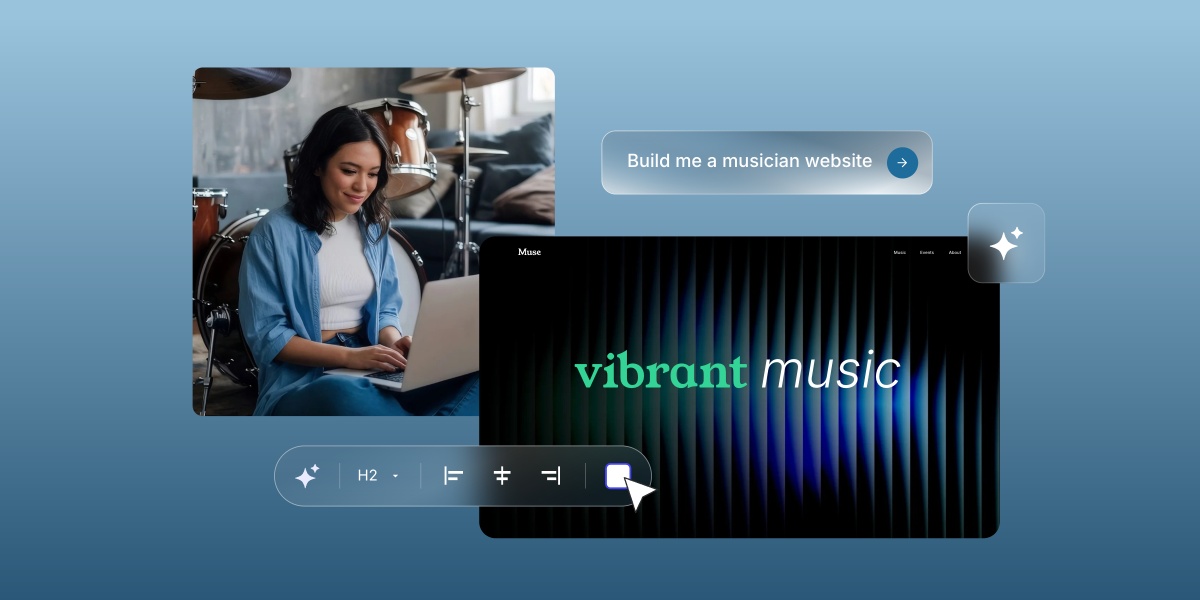
Your Spotify profile can play your songs, but it can’t take a booking, sell a T-shirt, or collect a single fan’s email address. The right musician website builder handles all of that, plus a press kit that gets bookers to yes faster. Start with what your site needs to do, and build a music website that gets the job done.
Key takeaways:
- A musician website builder can handle the jobs your streaming profiles can’t: bookings, music and merch sales, a fan email list, and press materials.
- Which needs matter most depends on how you earn: a wedding band leans on booking and an electronic press kit (EPK), while an indie artist leans on a store and a fan list.
- Your homepage has about five seconds to tell visitors who you are, what you sound like, and what to do next.
- If you play live, release music, or take session work, an EPK puts your bio, photos, music, and booking details on one page.
- Let people book calls and lessons straight from your site, either through a builder integration or an embed.
- A general website builder for musicians with ecommerce, a blog, and custom code covers most artists.
7 things every musician website needs
Streaming profiles are good at one thing: playing your music. But most musicians earn their money elsewhere. In a U.S. survey by the Music Industry Research Association and Princeton, 81% of musicians earned income from live events and 42% from giving lessons, while streaming made up less than 5% of the average musician’s music income. A website is where those bookings start.
So what to look for in a musician website builder? You don’t need all seven elements below in equal measure. Start with the three that match how you earn:
| Musician type | Top 3 needs |
| Wedding or event band | Booking form, EPK (with testimonials), homepage |
| DJ | Mixes and videos, booking, EPK |
| Session player | EPK (with credits), music and videos, booking |
| Music teacher | Booking with Calendly, lesson rates, contact |
| Indie artist | Store, fan email list, music embeds |
A clear homepage
Your homepage has about five seconds to tell a visitor your name, your sound, and what to do next. A booker or a student’s parent skimming 20 band websites won’t scroll to find out what you do.
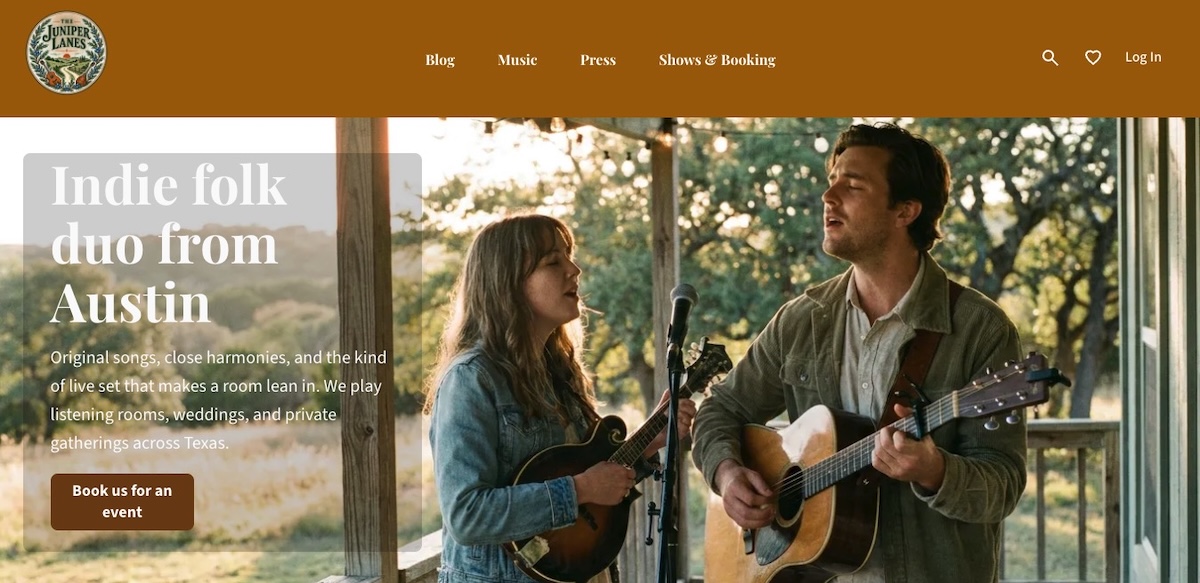
Every strong musician homepage has:
- A hero image that shows what you do. Use a real photo of you playing or teaching. Stock photos of guitars all look the same.
- A one-line description. A name and a moody photo don’t tell anyone what you do. “Indie folk duo from Austin” or “Piano lessons for all ages in Denver” does.
- One main call to action. Point it at whatever matters most right now: the new single, the next show, or your booking or lesson sign-up.
Look for a builder that lets you style your music website in minutes and that displays well on phones, since many visitors will find you from a social media link. And don’t autoplay music. Nobody has ever been won over by a song that started blasting during a work meeting. For the full list of essentials, see what goes into a strong homepage.
Music and video embeds
Put your best work near the top of the homepage, where visitors can press play without hunting for it. That could be your latest release, a DJ mix, a session reel, or a short lesson clip. If you play live, add a live video too, because bookers want to see how you handle a room.
Spotify, YouTube, SoundCloud, and Bandcamp all offer embed codes in their share menus. On Spotify, for example, these are the steps:
- Open the Spotify web player and find the track, album, playlist, or artist profile.
- Right-click the title and choose Share, then the Embed option.
- Click Copy.
Then paste that code into your site. For that, your builder needs custom code support, which lets you add widgets like this even when there’s no built-in block for them. Spotify’s embed guide covers the options in more detail.
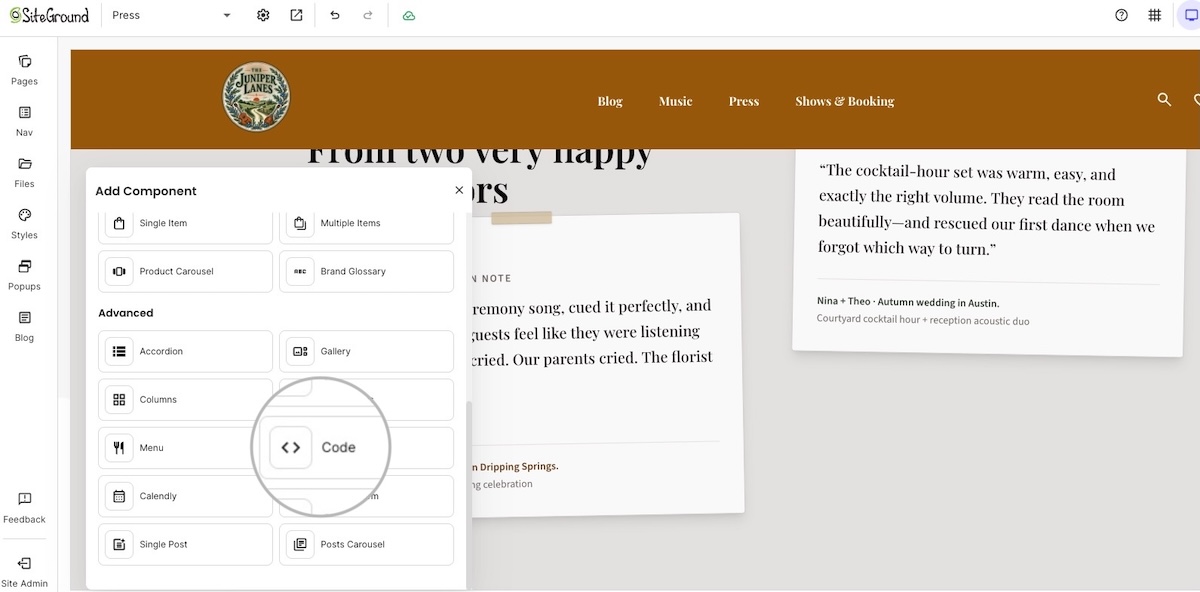
An easy booking route
An easy booking route turns a curious visitor into paid work, whether that’s a gig, a session, or a lesson. If you play live, add a current shows list too. A page still showing last summer’s dates suggests you’ve stopped playing, which doesn’t look good for business.
Keep the booking route short:
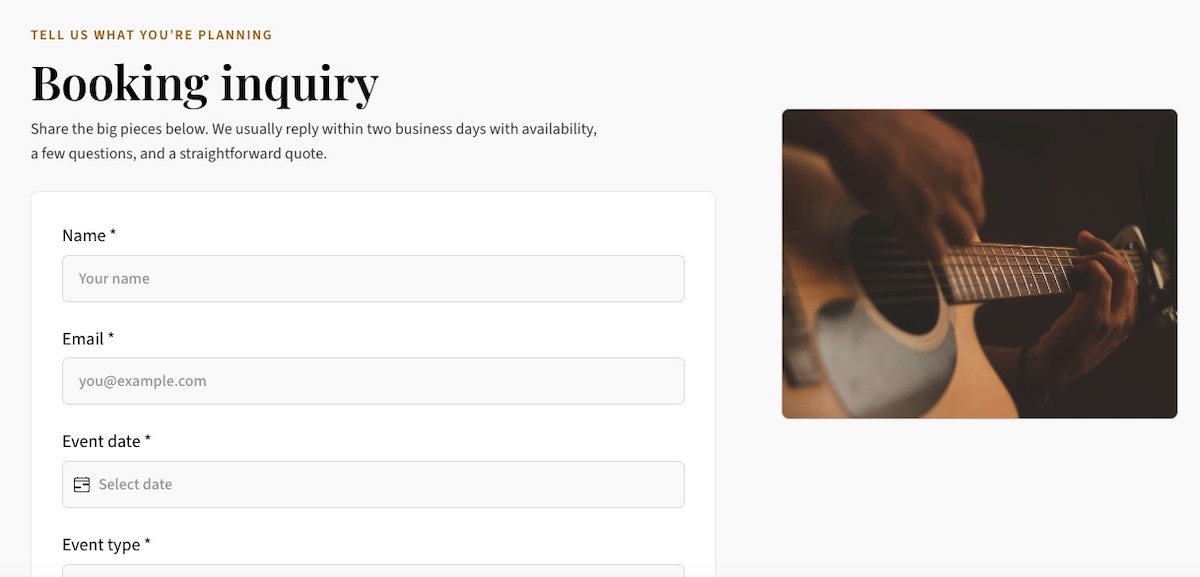
- A contact form for gigs and sessions that asks for the date, event type, location, and budget, so you can qualify inquiries before replying.
- A scheduling tool like Calendly for booking calls and lessons. Some builders connect to Calendly directly. If yours doesn’t, you can paste in one of Calendly’s embed styles instead, such as an inline calendar or a pop-up button. Use it for calls and lessons, and leave ticket sales to your ticketing provider.
- Your rates or starting prices, if you teach or play events. Listing “lessons from $40” saves both sides an email exchange.
An electronic press kit (EPK)
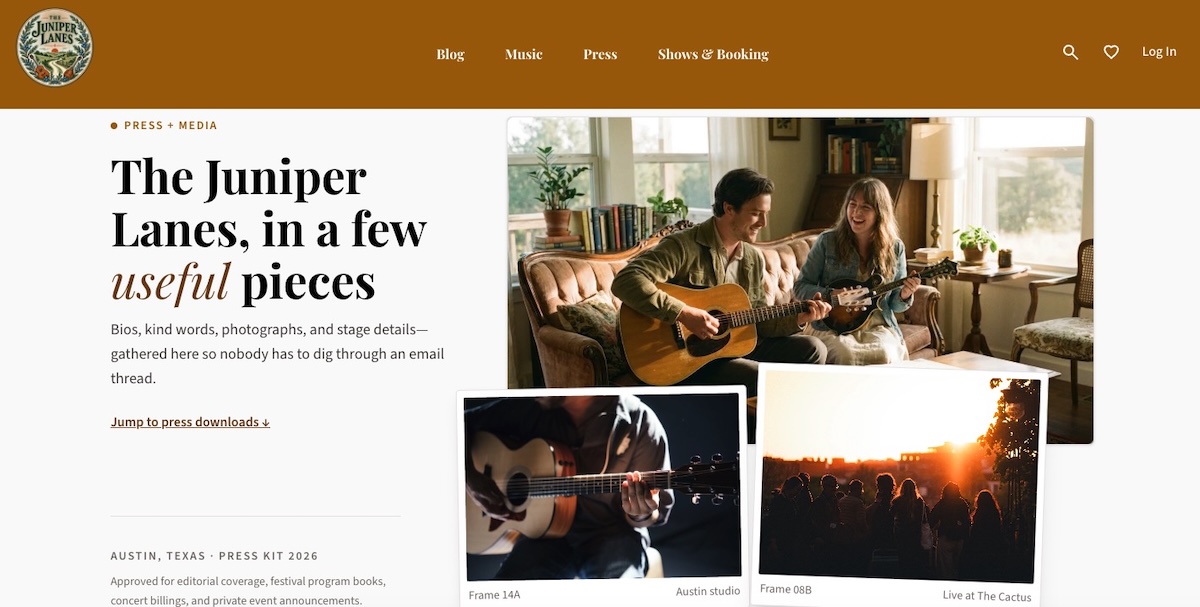
An electronic press kit (EPK) is a single page that gives bookers, journalists, and playlist curators everything they need to say yes without emailing you first. If you play live, release music online, or take session work, promoters will expect one, and a missing EPK often means a slower reply or none at all. If you only teach, you can skip it and put that effort into your booking page.
Your EPK checklist:
- A short bio (about 50 words) and a longer version (about 200 words)
- High-resolution press photos in landscape and portrait, linked from a shared folder such as Google Drive or Dropbox
- Your two or three strongest tracks, plus a live video if you perform
- Notable stats or press quotes, such as monthly listeners, festival slots, or a review line
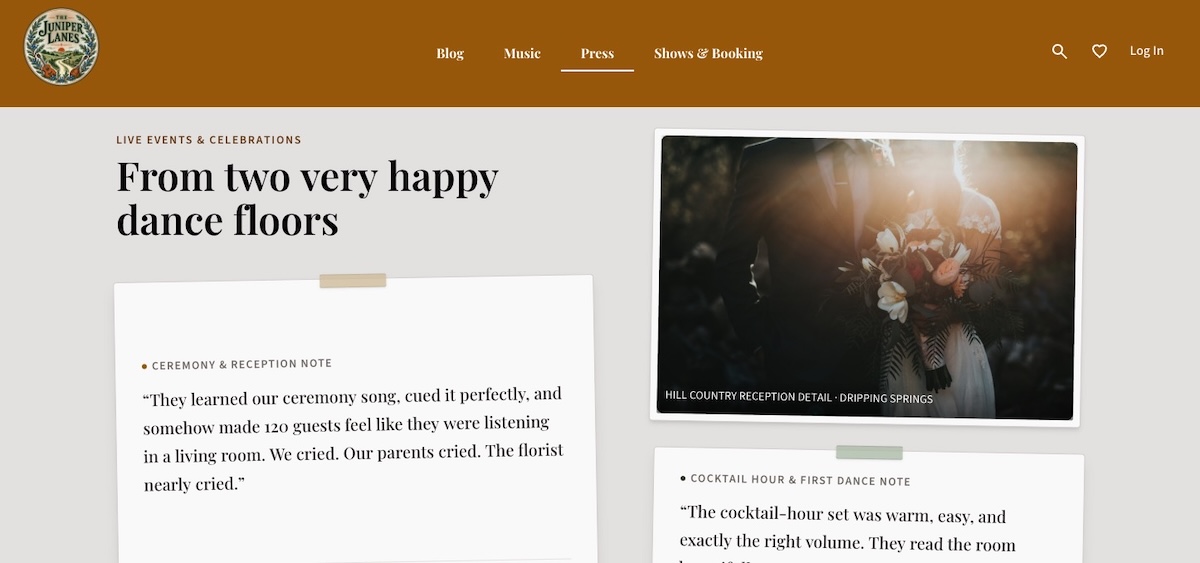
- Testimonials from past clients or venues, which matter most for wedding and event bands
- Booking contact details
- A tech rider or stage plot, for session players and touring acts
A fan email list
An email list is the only fan channel no platform can throttle. If an algorithm change cuts your social reach in half, your subscribers still get every message you send.
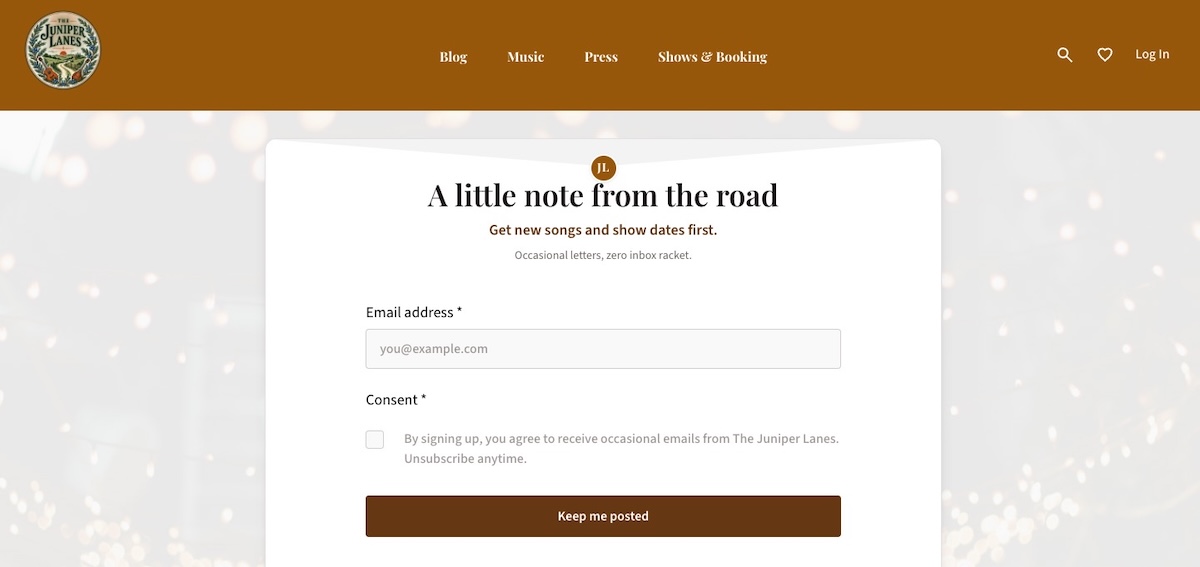
The builder feature to look for is a sign-up form that connects to an email marketing tool. Your fans or students also need a reason to come back, which is where a blog helps. Post about new singles, show announcements, recital dates, or open lesson slots, then link those posts in your email newsletter. Builders with a built-in blog make this easier.
A store for music and merch
Selling from your own site keeps the sale and the customer’s email address in your hands. That’s because a fan who buys merch from you and signs up for your email list becomes a fan you can reach again when the vinyl drops.
Look for ecommerce that handles three product types:
- Digital downloads for singles, albums, and stems.
- Physical merch such as T-shirts, vinyl, and posters, with shipping options.
- Services such as lesson packages, which matter for teachers.
A builder that handles all three from the same dashboard you design in saves you running a separate store platform. Plan products and shipping before launch, as you would for any online store.
A custom domain and professional email
A domain like yourname.com gives fans and bookers one address to remember, and it’s the link you’ll put on posters, business cards, and every bio. Pair it with a professional email address, such as booking@yourname.com, which looks more credible in a promoter’s inbox than a personal Gmail account.
How the SiteGround Website Builder covers your musician website bases
The SiteGround Website Builder handles most of the above from one dashboard. Say you’re releasing a new single. You write a blog post about it, add your Spotify player with a custom code block so fans can listen right there, and place the limited-edition vinyl or tour T-shirt in the post so they can buy it on the spot. Your sign-up forms connect to SiteGround Email Marketing (available as an add-on, with 500 free contacts on the Scale plan), so the announcement and a link to tickets for the release show go straight to your list. Meanwhile, the built-in Calendly integration keeps booking calls and lessons coming in, and SiteGround Ecommerce handles your merch and lesson packages.
How to make a musician website in 8 steps
Once you know which elements you need, building the music site is an afternoon of focused work.
1. Choose your website builder
Check each builder against your top three needs from the table, plus custom code support for embeds. Then compare what’s included in the plan you’d actually pay for with what costs extra as an add-on, such as email marketing.
2. Pick a domain name
Use your artist or band name, exactly as people spell it. If it’s taken, add “music,” “band,” “lessons,” or your city. Then create your booking@ address (and any others you need) and forward them to your main inbox.
3. Start from a template or AI
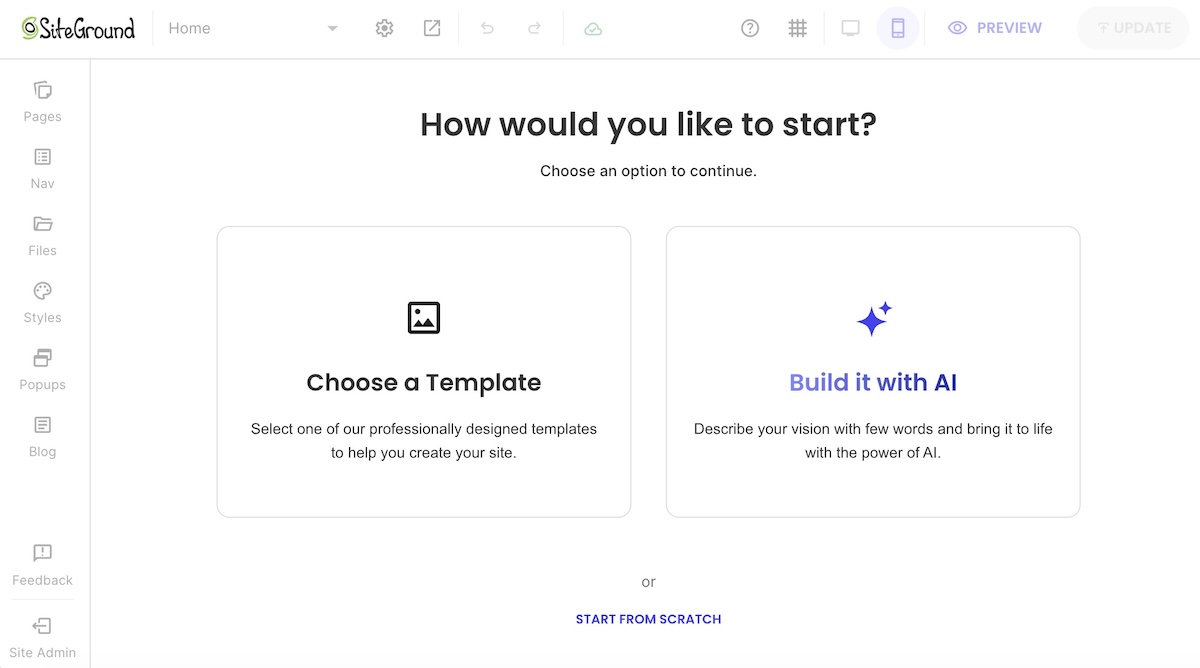
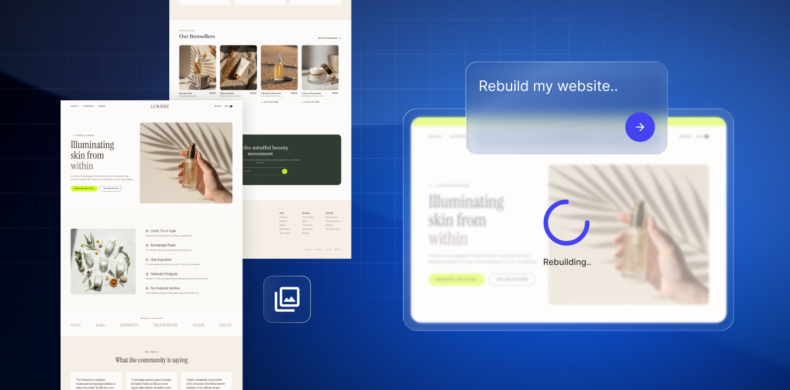
Depending on the builder, you can pick a ready-made template or describe what you do and let AI build a first draft. You’ll swap in your own photos, text, and colors later, so go with whichever gets you started fastest.
4. Add your music, videos, and news
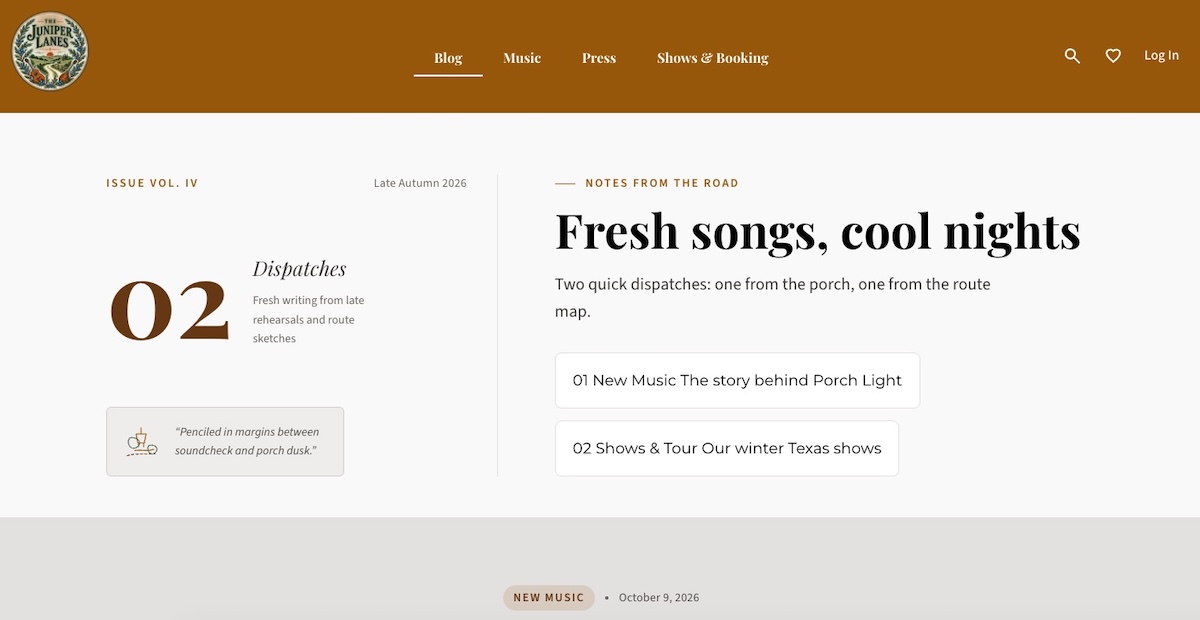
Paste your Spotify, YouTube, or Bandcamp embed codes into custom code blocks, and put your best work on the homepage. Then add a blog page. Use the blog to post new releases and other news, so fans and press can see the site is active.
5. Build your EPK page
If an EPK made your top three, turn the EPK checklist into a single page. Put your short bio and strongest track at the top, then add press quotes, testimonials, and contact details below.
Add buttons linking to your press photo folder and tech rider so nobody has to screenshot your Instagram. Then update the page whenever you have a new release, a notable show, or fresh press, because an EPK with last year’s news does more harm than good.
6. Set up your online store and booking
Add whatever you sell: merch as physical products, releases as downloadable products, and lesson packages as services. Give each product a clear photo, a price, and a short description, and set your shipping rates before launch. Then place a test order to make sure everything works.
For booking, add a contact page with a contact form for gig and session inquiries, and connect Calendly to your booking or lessons page. If you offer more than one kind of booking, set up a separate Calendly event for each so people pick the right slot.
7. Add an email sign-up form
Put a sign-up form on your homepage and in the site footer, and connect it to your email marketing tool. Give people a reason to join, such as a free download, early access to tickets, or recital and lesson updates.
8. Publish and link it everywhere
Put the URL in your Spotify, Bandcamp, and social media bios, your link-in-bio page, and your email signature. Every profile should point back to the one place people can book you, buy from you, and join your list.
Once the site is live, put your name, genre, and city in your page titles, so you show up in search engines when fans look for your name or planners search “wedding band in Denver.” Then work through an SEO checklist.
Pick the builder that fits what your music needs
The best musician website builder for you is the one that covers your top three needs from the table above, whether that’s bookings, a store, or a fan list. Start with those jobs, check that the builder handles them, and leave the template browsing for last.
If you’d rather run bookings, sales, and your fan list from one place than juggle four separate tools, the SiteGround Website Builder covers all of it. Calendly is built in, SiteGround Ecommerce handles merch, downloads, and lessons, and your blog and sign-up forms feed straight into your email list. You can build your site from AI or a template, then use the drag-and-drop editor to make everything your own without touching code. Your music already sounds like you, and now your website can look like you too.
Website building, made easy
Pick a template or start with AI, then customize it without touching a line of code. SiteGround Website Builder helps you go from idea to live site fast. 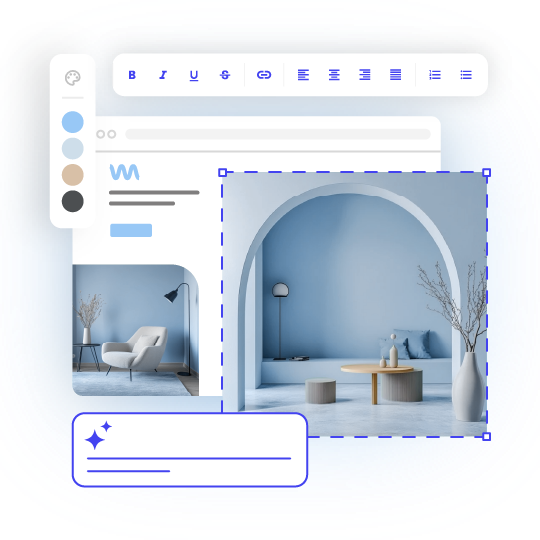
Frequently asked questions
The best website builder for musicians is the one that covers the jobs your site needs to do. For most gigging musicians, DJs, teachers, and indie artists selling directly, a general builder with ecommerce, a blog, and custom code handles everything in the needs table. If you rely on fan subscriptions or built-in tour-date syncing, a music-specific platform may suit you better.
Yes, there are free website builders for musicians, but free plans usually leave out a custom domain, a store, and the option to remove the builder’s branding. If your site needs to take bookings or sell anything, a paid plan is usually worth it. Some features, such as email marketing, also cost extra as add-ons.
To make a website for musicians, choose a builder, register your domain and set up email, start from a template or AI, add your music and news, build an EPK page if you need one, set up your store and booking, add an email sign-up form, and then publish and link the site everywhere. The eight steps above cover each one.
The best musician website shows who you are within five seconds, plays your music without making visitors hunt for it, and makes booking and buying easy. The seven elements above are the checklist.



Comments ( 0 )
Thanks! Your comment will be held for moderation and will be shortly published, if it is related to this blog article. Comments for support inquiries or issues will not be published, if you have such please report it through our official channels of communication.
Leave a comment
Thanks! Your comment will be held for moderation and will be shortly published, if it is related to this blog article. Comments for support inquiries or issues will not be published, if you have such please report it through our official channels of communication.